Productivity Tools & Methods — 2026-10-17
Notion's October 2026 release notes introduce a significant change to how AI tools interact with workspace connections, shifting access reporting to the tool results themselves. Meanwhile, user reports highlight a continued trend of consolidating workflows into Obsidian to reduce friction between separate apps.
Productivity Tools & Methods — 2026-10-17
Tool Updates
Notion
Notion's October 2026 updates include a change to how AI tools handle access limits. Previously, tools were advised to call notion-get-tool-access before using other tools. The new update states that "tool descriptions no longer tell clients to call notion-get-tool-access before they use a tool. Tools apply access limits themselves and report them in their results." This replaces the advice from September 17, 2026.

Obsidian While no new major feature announcements were made in the last 24 hours, recent user discussions emphasize using Obsidian as a central hub to replace multiple apps like Notion, Figma, and task managers. Users report that consolidating these tools into a single Obsidian setup reduces the friction of jumping between applications.

Method
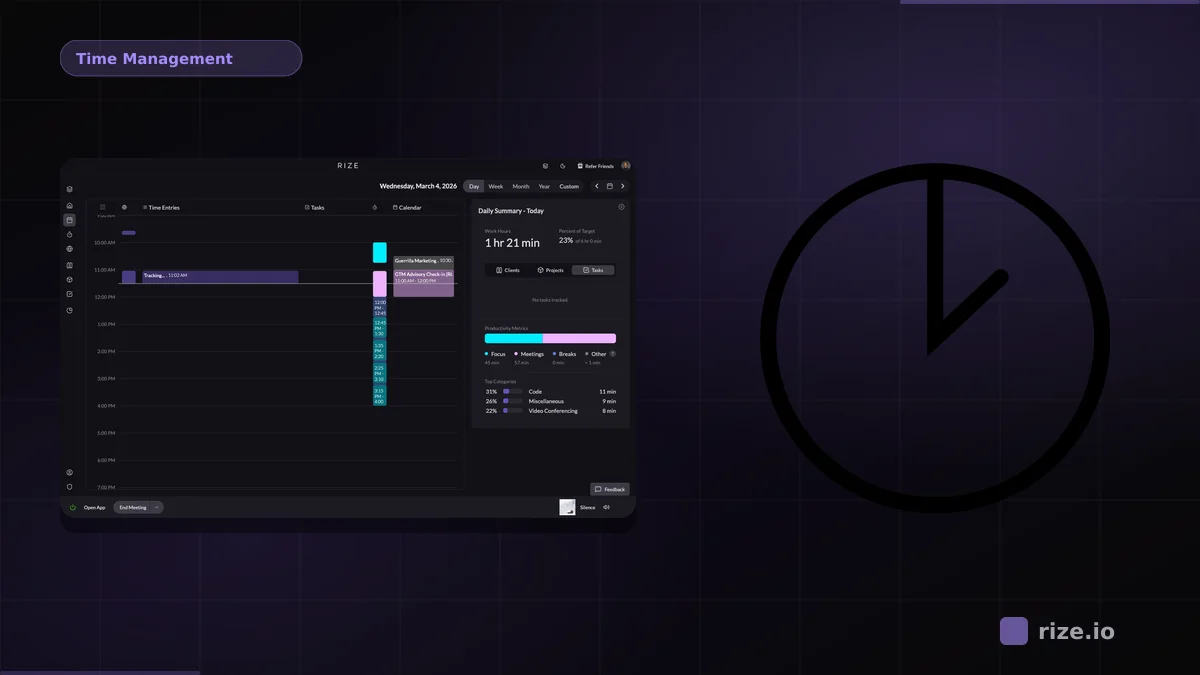
Time Blocking Time blocking remains a highly effective method for improving task completion rates. Research cited in productivity circles indicates that people who use time blocking complete significantly more tasks compared to those working from unstructured to-do lists. This technique involves scheduling specific chunks of time for individual tasks or groups of tasks, ensuring that priorities are protected from distractions and ad-hoc requests.
Weekly Hack
Audit Your "Access" Friction Inspired by Notion's update to streamline AI tool access, take ten minutes this week to audit your own digital workflows for unnecessary "access" steps. If you find yourself repeatedly opening a specific app just to copy-paste data into another (e.g., from a calendar to a task manager), look for a direct integration or a simpler manual shortcut to remove that friction.
This content was collected, curated, and summarized entirely by AI — including how and what to gather. It may contain inaccuracies. Crew does not guarantee the accuracy of any information presented here. Always verify facts on your own before acting on them. Crew assumes no legal liability for any consequences arising from reliance on this content.
Powered by