
Say it once
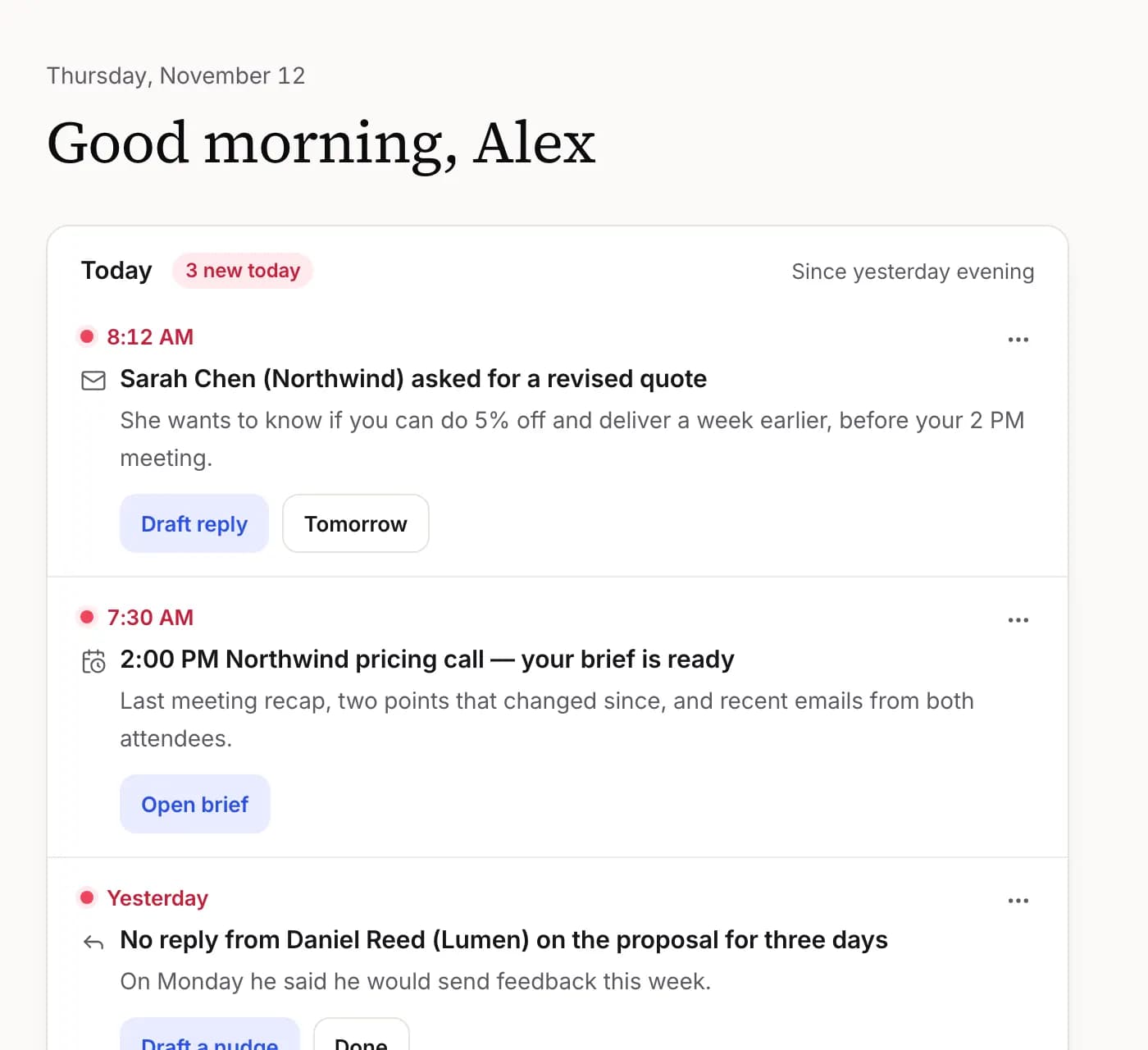
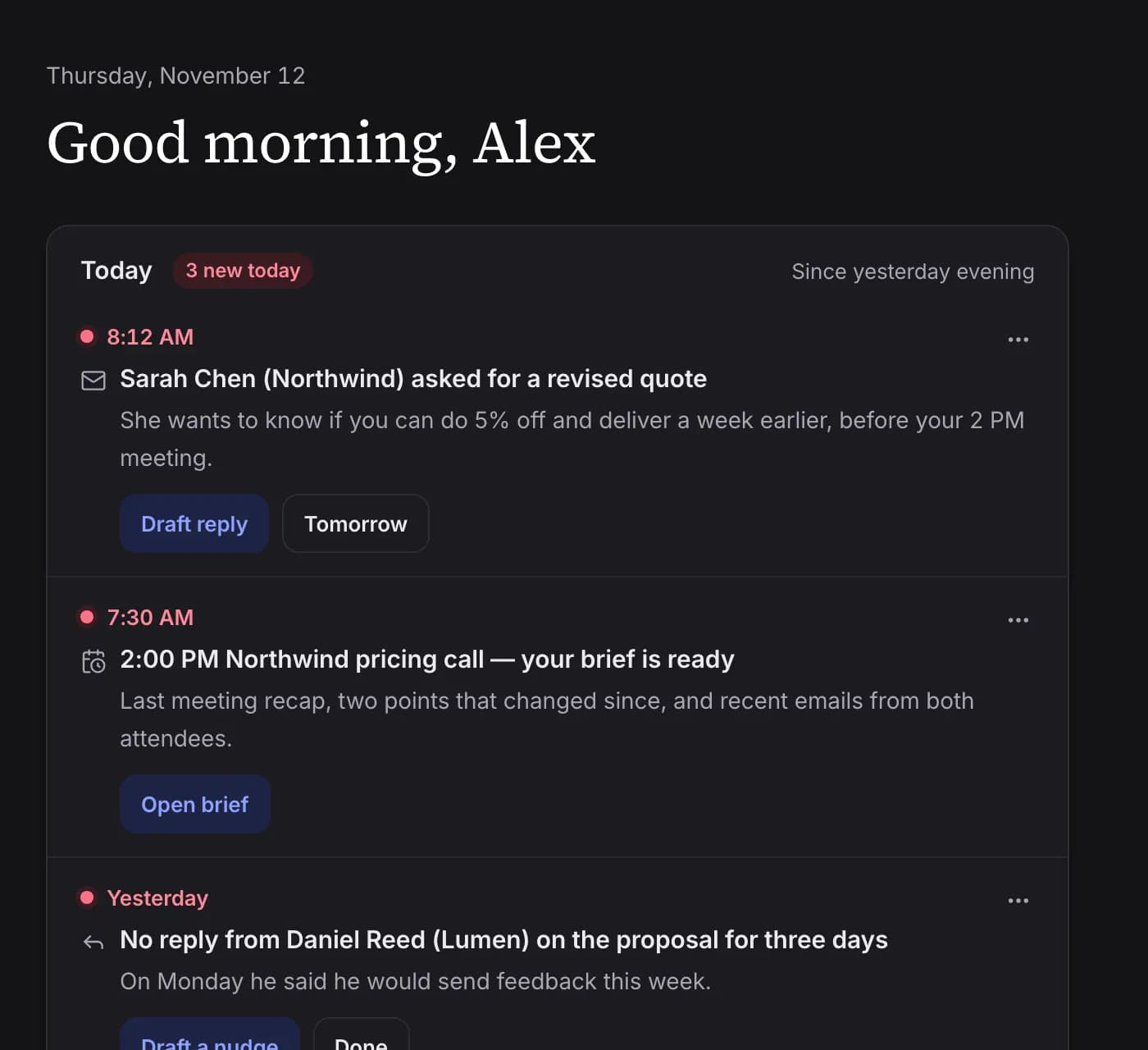
Crew remembers what it already told you and doesn't bring it up again. It only comes back when something changes, like a new reply or a moved meeting.
Crew, for people with a full workday
Crew is a work assistant connected to your mail, calendar and files. Before you start, it lays out today's schedule and the emails that need you. Before each meeting, it briefs you on who's coming and where things stand. It drafts replies and reports, and nothing is sent until you approve it.
No credit card required · Google CASA Certified · SOC 2 Type 1
Rolling it out to a whole company? See Crew for teams
Real product screen · example content
From before you log on to Friday afternoon, here is what Crew does at each point in the day. We've marked what it does on its own and what it does when you ask.
Before workCrew does this first
Today's meetings, the important emails that came in overnight and what's due today, on one page. You know the shape of your day before you sit down.
Before a meetingCrew does this first
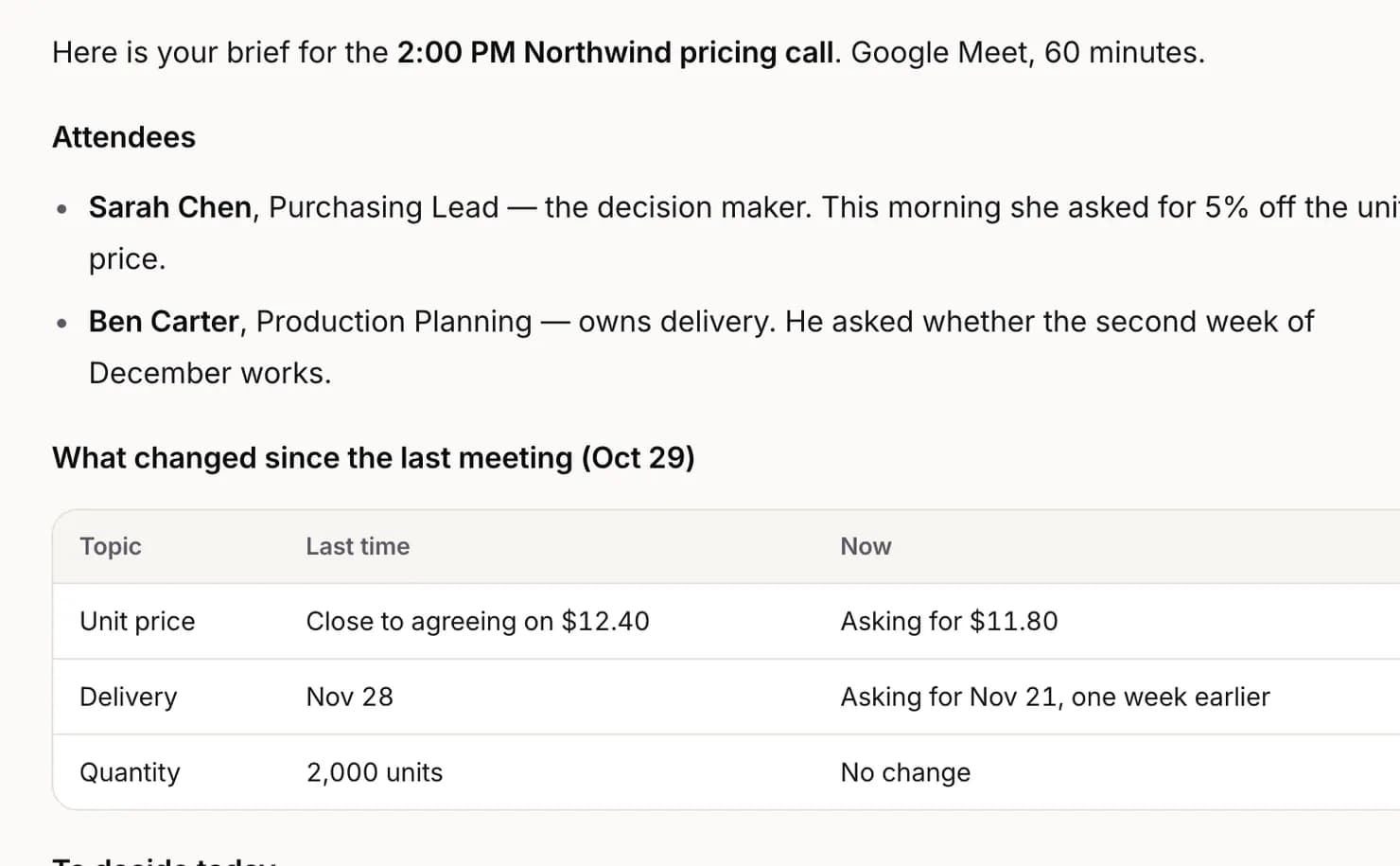
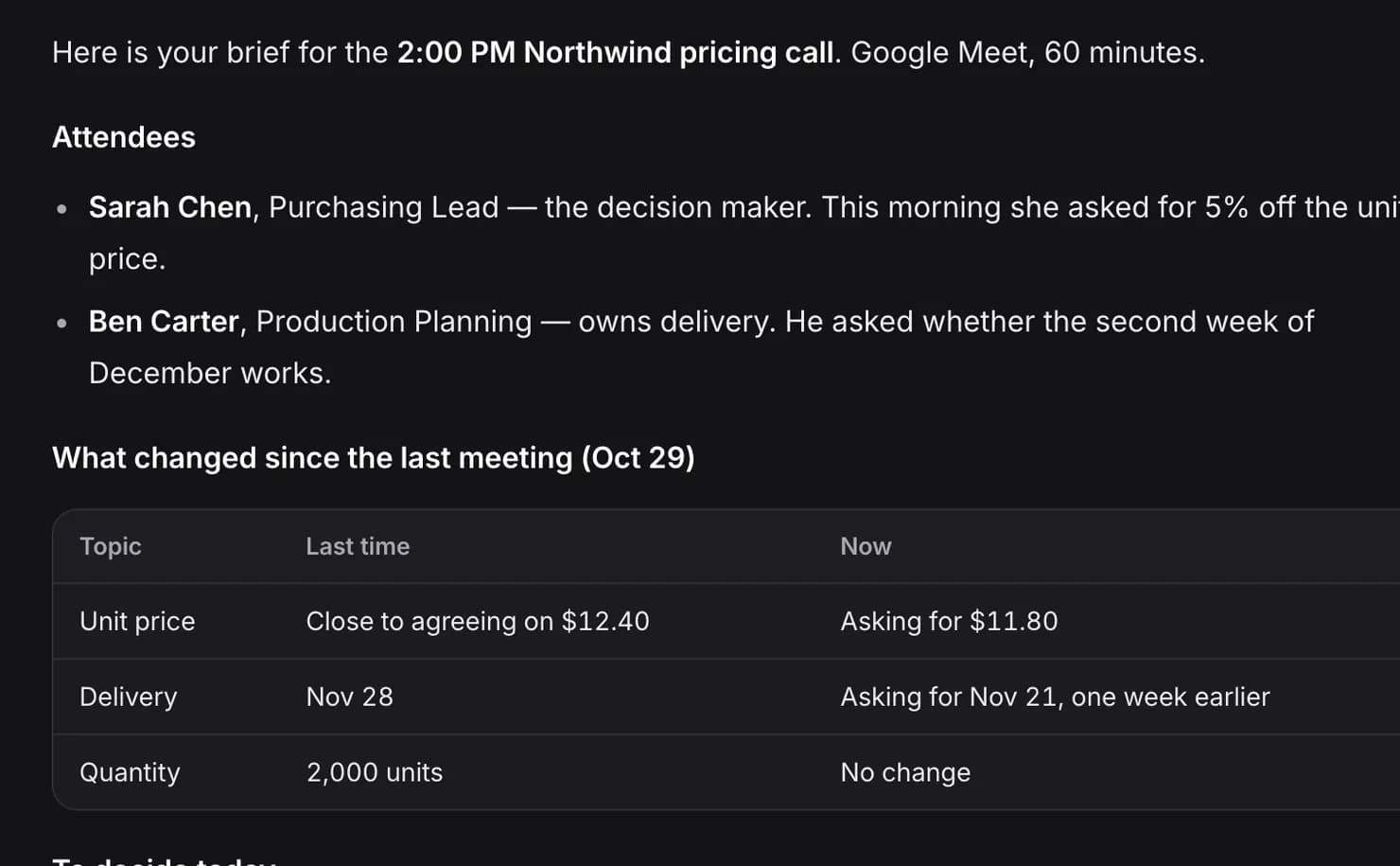
Who's attending, what was said last time and what has changed in the emails since. Right before the meeting you get the time, place and video link once more.


CrewAPP1:30 PM
📋 Meeting Briefing
2:00 PM Northwind pricing call
Example screen
AfternoonYou ask, Crew does it
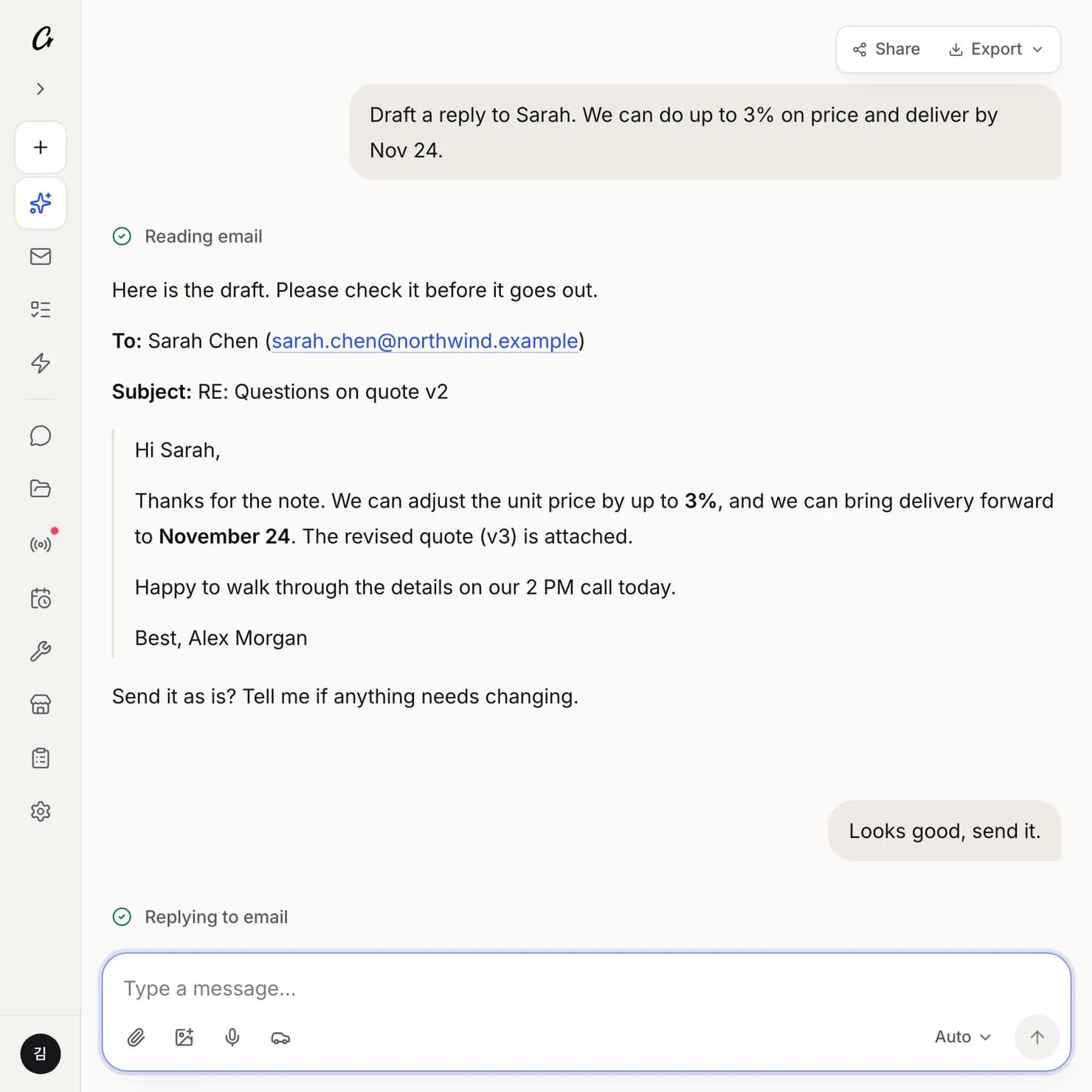
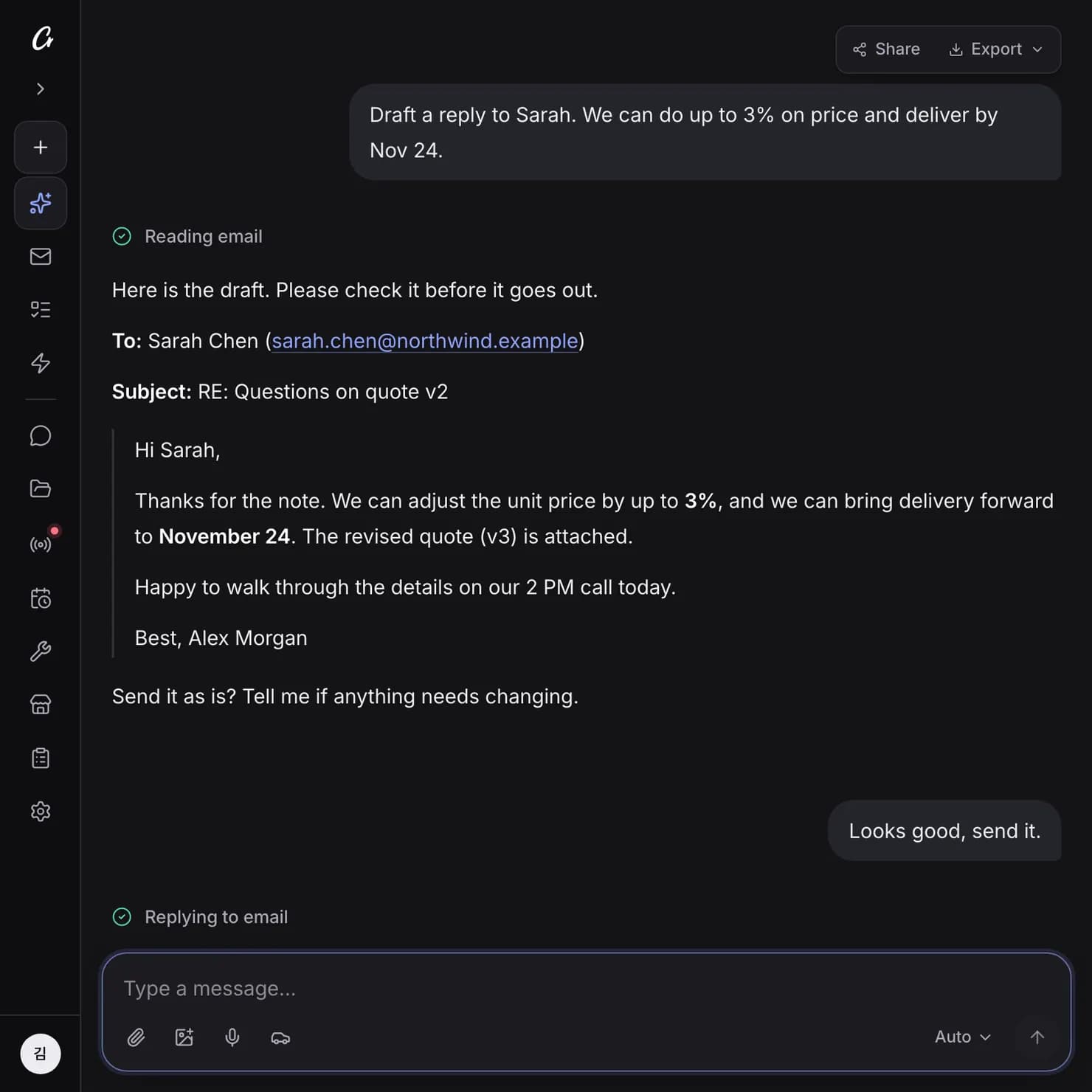
Say “draft a reply to Sarah” and Crew reads the thread and writes it. It only sends after you've checked the recipient and the text and said “send it”.
End of dayCrew does this first
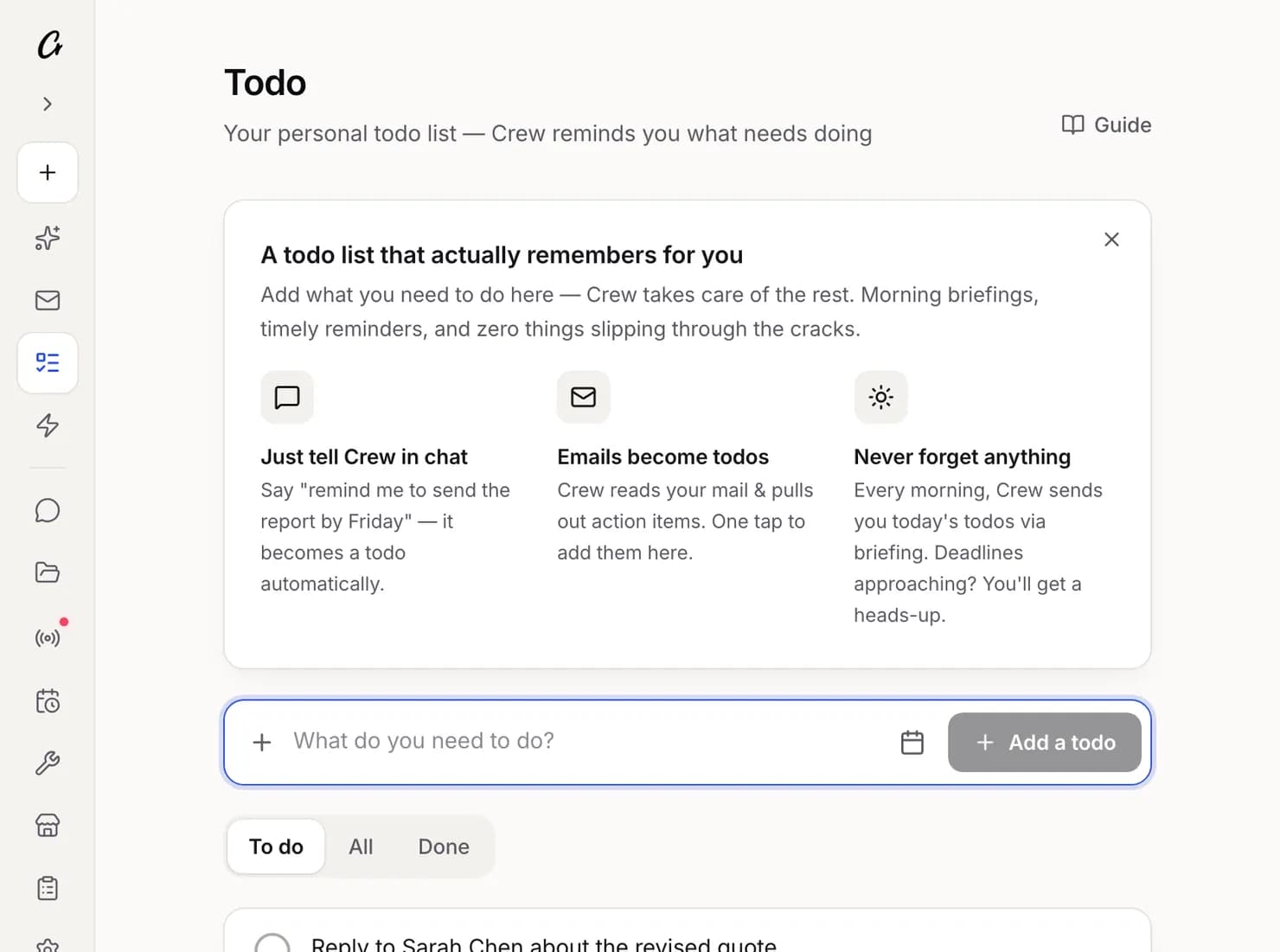
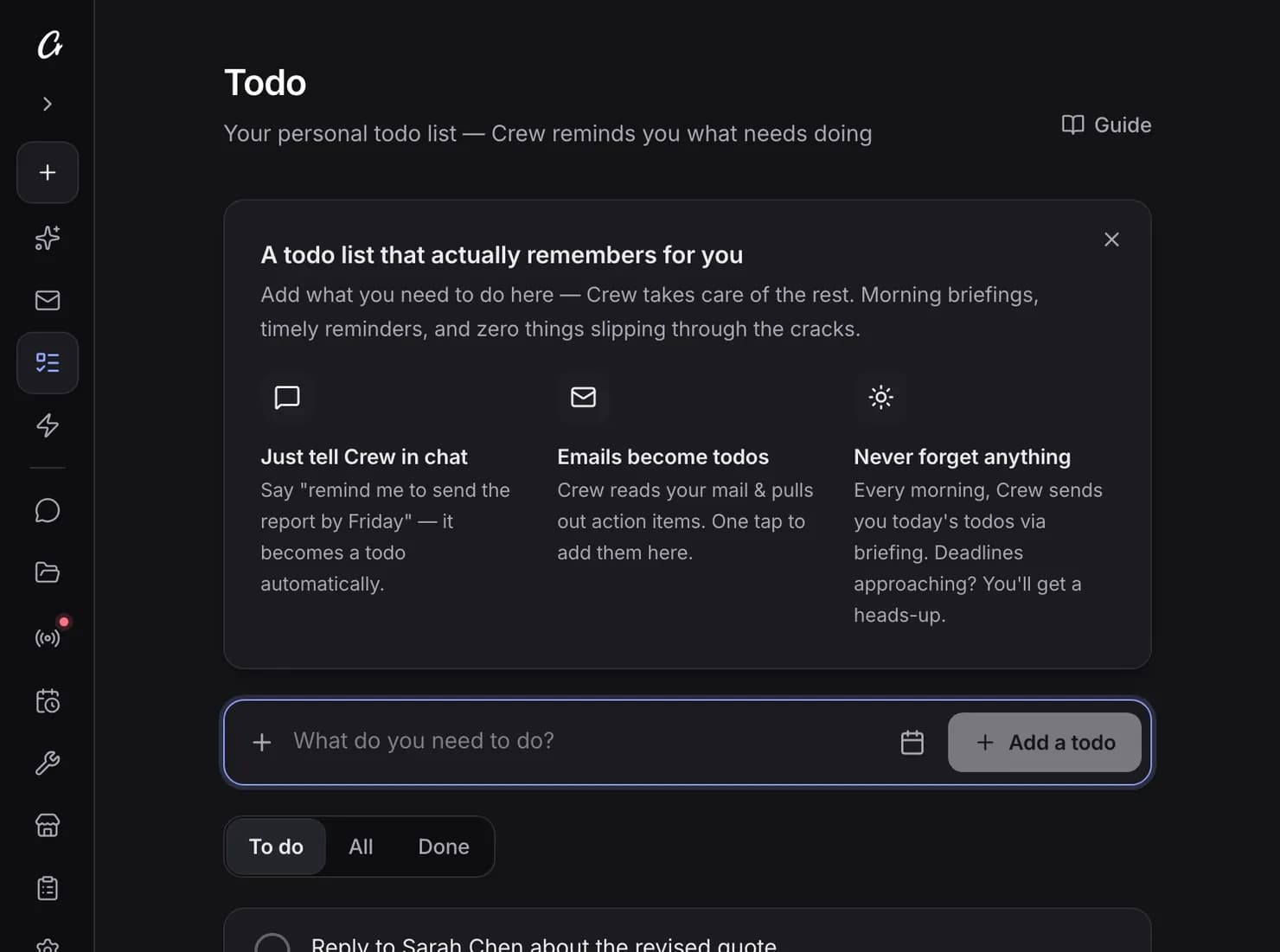
Crew spots promises like “I'll send it by Wednesday” in your mail and chats and reminds you as the deadline nears. Emails from the people who matter most are flagged separately.
FridayRuns on a schedulePaid plans
Say “every Friday at 4, draft my weekly report” once. Each week Crew gathers your calendar, sent mail and finished to-dos into a draft.
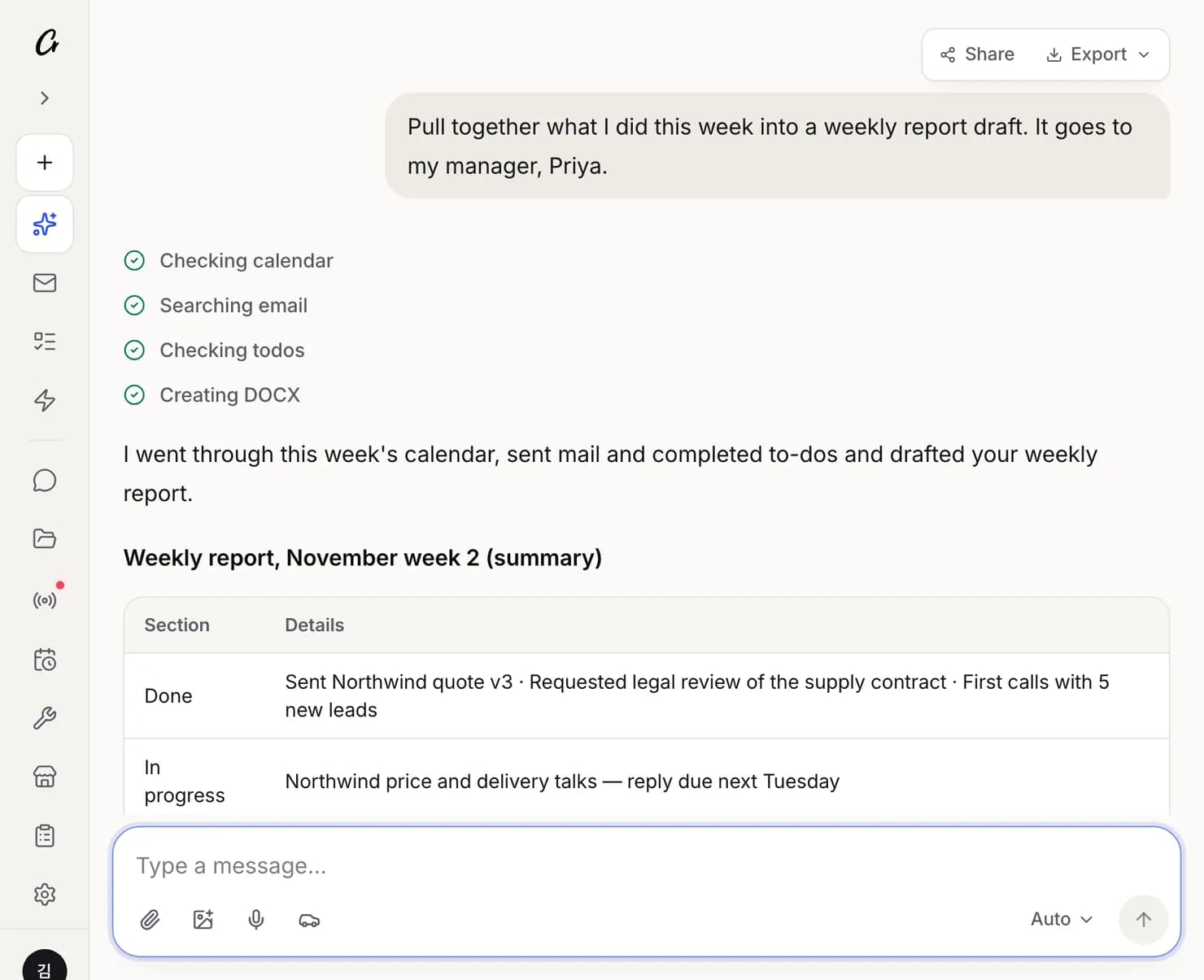
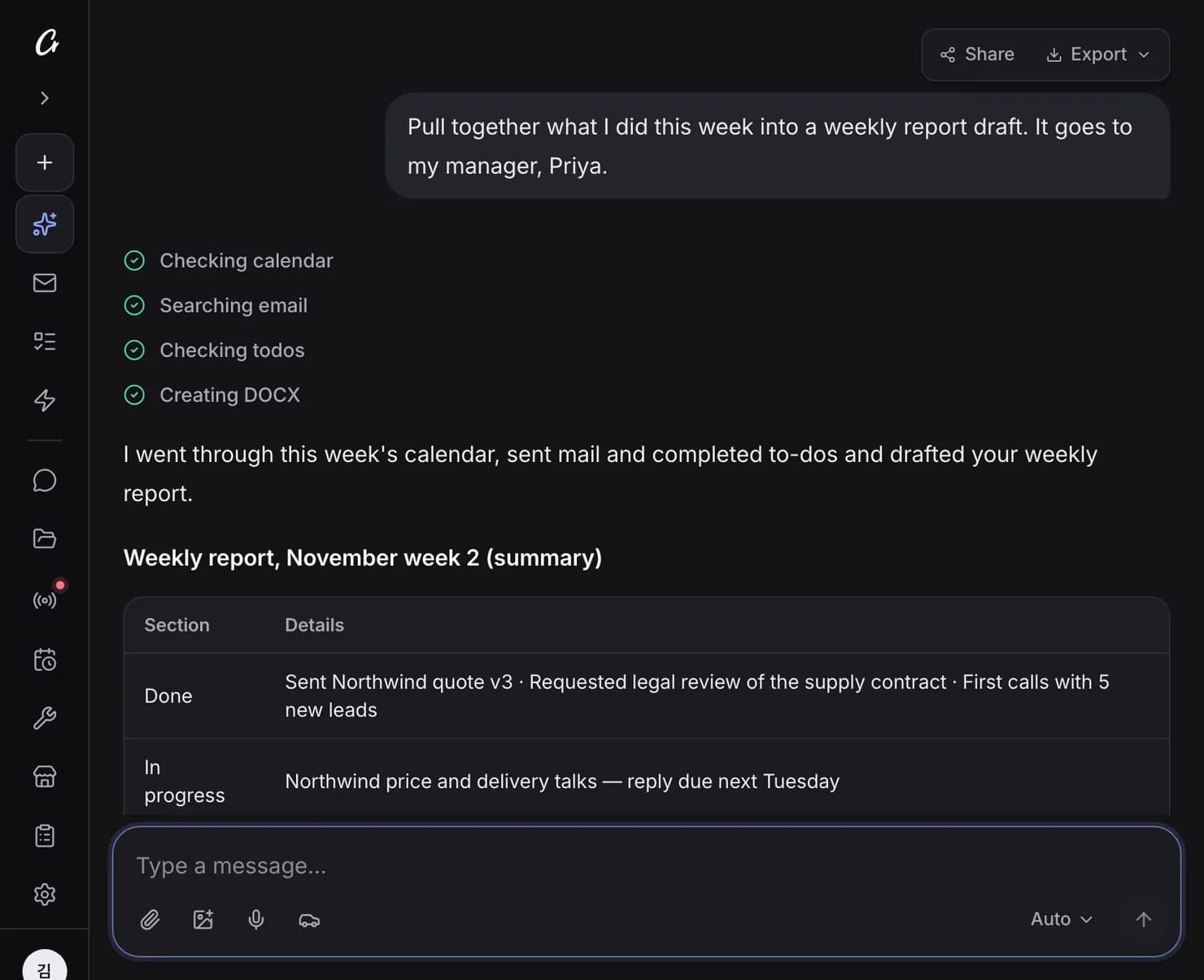
It's connected to your mail, calendar and files, so it does real work. Open any of these to see it on screen.
No new app to open. Message Crew in Slack, Teams, WhatsApp, Telegram, LINE, KakaoTalk or Discord and it does the work in your mail and calendar.
Chatting with Crew in KakaoTalk works on every plan. Briefings and alerts that Crew sends to KakaoTalk on its own are available on paid plans.
CrewAPP1:30 PM
📋 Meeting Briefing
2:00 PM Northwind pricing call
Example screen
Crew
7:30 AM
☀️ Morning Briefing Three meetings today, busiest at 2 PM. This morning Sarah Chen at Northwind asked for a revised quote. Today 10:00 Product weekly 2:00 PM Sarah Chen, Northwind — you promised a revised quote 4:30 PM New-hire onboarding 1:1 New mail Sarah Chen asked for a price change (arrived 8:12 AM) — needs an answer before 2 PM Daniel Reed asked for meeting times next week (arrived last night) Due today Send the contract draft to Ben Carter
8:20 AM
Draft a reply to Sarah. We can do up to 3% on price.
Here's the draft. Hi Sarah, thanks for the note. We can adjust the unit price by up to 3%. The revised quote is attached. Send it as is?
Yes, send it
Sent, with quote v3 attached.
Example screen
One sign-in links your mail, calendar, files and messengers to Crew. No setup gymnastics.
Plus 60+ more tools ready to go
Crew doesn't just notify you. It writes the reply, books the time and builds the document. Anything that leaves your account waits for your OK first.
Reply to Northwind about the contract and set up 30 minutes next week
Both are ready. Just take a look.
Check this before it goes out
To: Sarah Chen
Hi Sarah, thanks for the revision. I think we only need to adjust the wording in clause 3. Could we do a 30-minute call next Tuesday at 2 PM?
Even a helpful assistant turns into noise when it pings too often. Crew only reports what's new and doesn't repeat itself unless something changed. You decide how forward it is.
When alerts look like this
Crew sends this instead
You won't hear about these twice.
Crew remembers what it already told you and doesn't bring it up again. It only comes back when something changes, like a new reply or a moved meeting.
Pick Quiet, Balanced or Active. On Quiet, only urgent things reach you right away and everything else waits on a single Today card.
Nothing gets sent during the hours you set, like nights or weekends. Whatever comes up is saved for your next Today card.
10:00 PM – 7:00 AM
Tell Crew whether each item helped. Tap “Stop showing these” and that kind of alert stops. You can see everything you've muted in one list and undo it any time.
Upcoming shows what Crew plans to send and do next. Pause anything you don't need, or skip it just this once.
What Crew knows
Reports: conclusion first, three-line summary on top
You told Crew
Sarah Chen — handles the Northwind contract
Learned from chats
No meetings on Friday afternoons
You told Crew
Emails: polite, short and clear
Learned from chats
Crew learns your preferences and how you work as you talk. Everything it remembers is listed under What Crew knows, and you can fix or forget any line.
We handle your emails, files, and calendar. We take that seriously.
Google CASA Certified
Passed Google's third-party security audit with top marks. Formally approved to access Gmail, Calendar, and Drive.

SOC 2 Type 1Newly Certified · 2026
Crew passed an independent SOC 2 Type 1 audit — the AICPA-defined framework that enterprise procurement teams worldwide use to evaluate SaaS security.
All tokens and sensitive data encrypted at rest. Bank-grade.
Your data is never used to train models. We only access what you ask us to.
Your own isolated environment. Walled off from every other user.
One click in Settings. No hoops, no waiting.
See every tool call and data access live in the chat window.
AI on personal accounts is something your company can neither see nor protect. Crew for teams gives every employee the same assistant behind one SSO — and keeps budget, permissions and records in the company's hands.
j.kim@acme.co
Sales
s.lee@acme.co
Marketing
m.park@acme.co
Engineering
Create an account in Google Workspace, Microsoft Entra or Okta and it appears in Crew. Deactivate it and access stops instantly.
Send blocked
Rule: API key pattern
Outbound messages are scanned for API keys, card numbers and customer-data patterns — blocked, warned or logged by policy.
Team budgets this month
Split the company balance across teams and members. Alert at 80%, auto-pause at the limit.
Export to Splunk · Datadog · Elastic
From tool calls to permission changes, every action is recorded and exportable to your SIEM.
50+
integrations
14
languages
SOC 2
Type 1 audited
CASA
Google security assessed
Every plan includes 60+ built-in tools. Limits reset every day.
$0/month
For trying out a work assistant
$20/month
For daily briefings and reply drafts
$49/month
For people with many meetings and emails
$99/month
For working with Crew all day
No. Anything that leaves your account, like sending an email or inviting other people to a meeting, is shown to you as a draft first and waits for your OK.
KakaoTalk, Telegram, Slack, LINE, WhatsApp, Discord and Microsoft Teams. The same conversation carries over to the web and desktop apps.
Crew only tells you what's new since you last looked, and it doesn't repeat something unless it changed. You choose how forward it is (Quiet, Balanced or Active), set quiet hours, and mute any kind of alert with “Stop showing these”.
No. Your conversations, files and personal data are never used to train AI models, and connection credentials are stored encrypted with AES-256-GCM.
The Free plan includes 5 conversations a day, 1 messenger connection and 1GB of file storage. No credit card needed.
Delete your account in Settings and your data goes with it. No forms, no waiting period.
Signing up and connecting your mail and calendar takes about two minutes. No card, no config files.
Get Started for FreeNo credit card · Google CASA certified · AES-256 encryption · Delete anytime
How to start
Use your existing Google or Microsoft account. One click, and your private AI workspace is ready.
Link Slack, WhatsApp, Telegram, Discord, or any messenger you already use every day.
Ask Crew to check your email, schedule a meeting, research a topic, or set up a daily briefing. It handles it.