Everything Crew does, one at a time
Grouped by what Crew does on its own and what it does when you ask. The screens are the real product; the names and numbers in them are examples.
Morning briefing
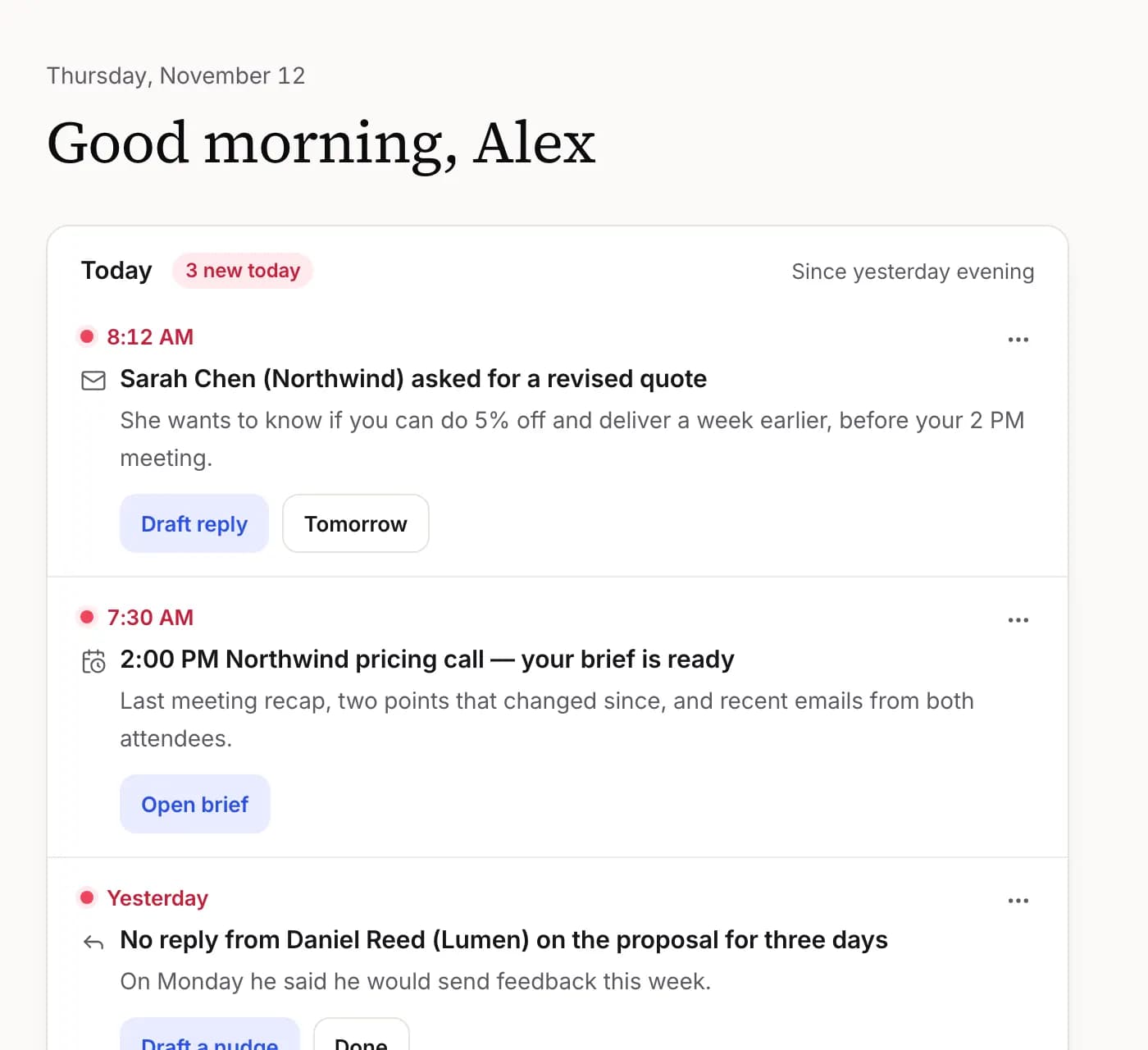
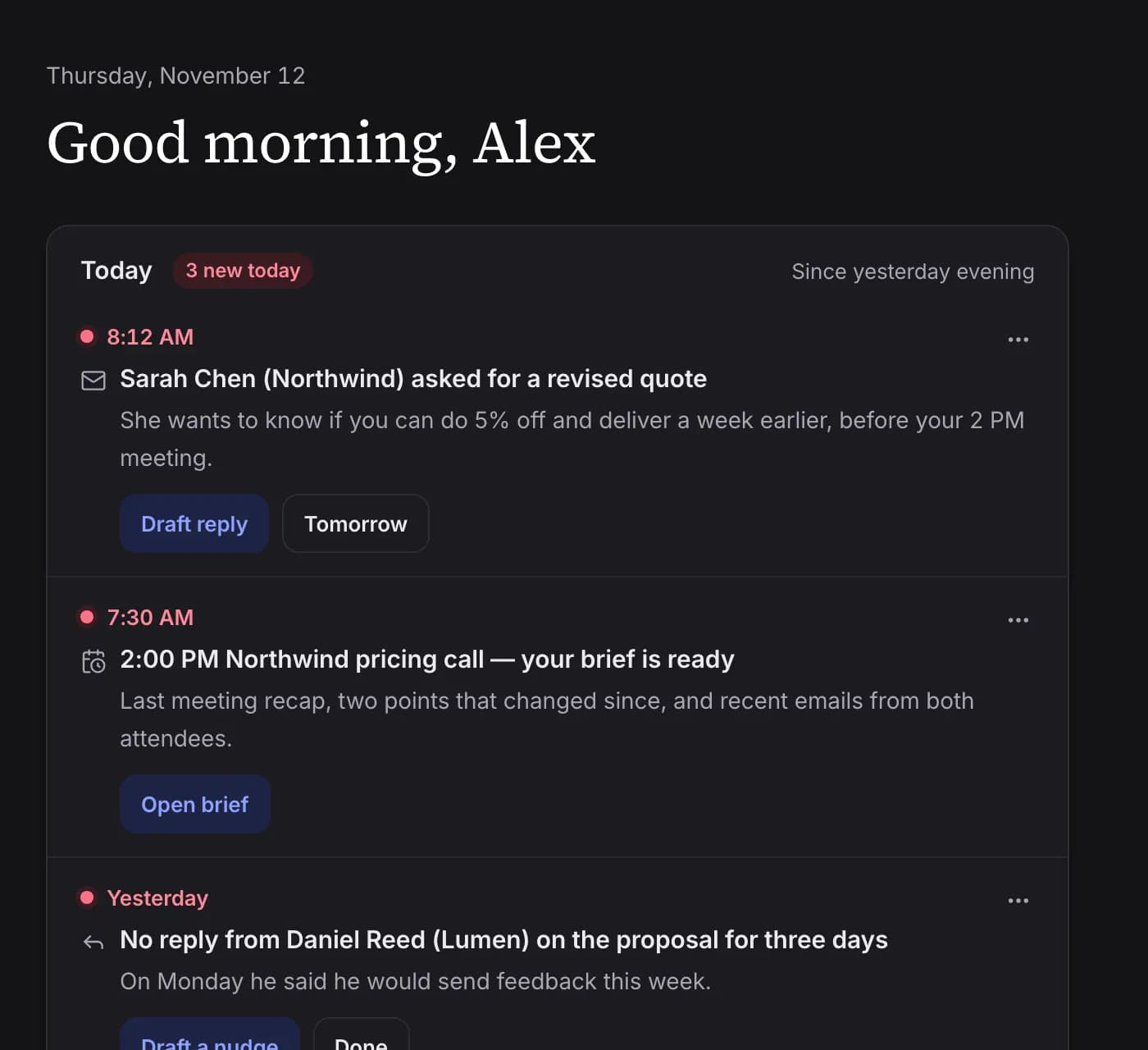
At the time you choose, Crew puts your day on one page: each meeting with a line of context, the important new emails and what's due today.
You get
Three meetings today, busiest at 2 PM. This morning Sarah Chen asked for a revised quote.
- Built from your calendar, mail, to-dos and memory
- Arrives on the Today card and in your connected messenger
- You choose the delivery time
Meeting prep
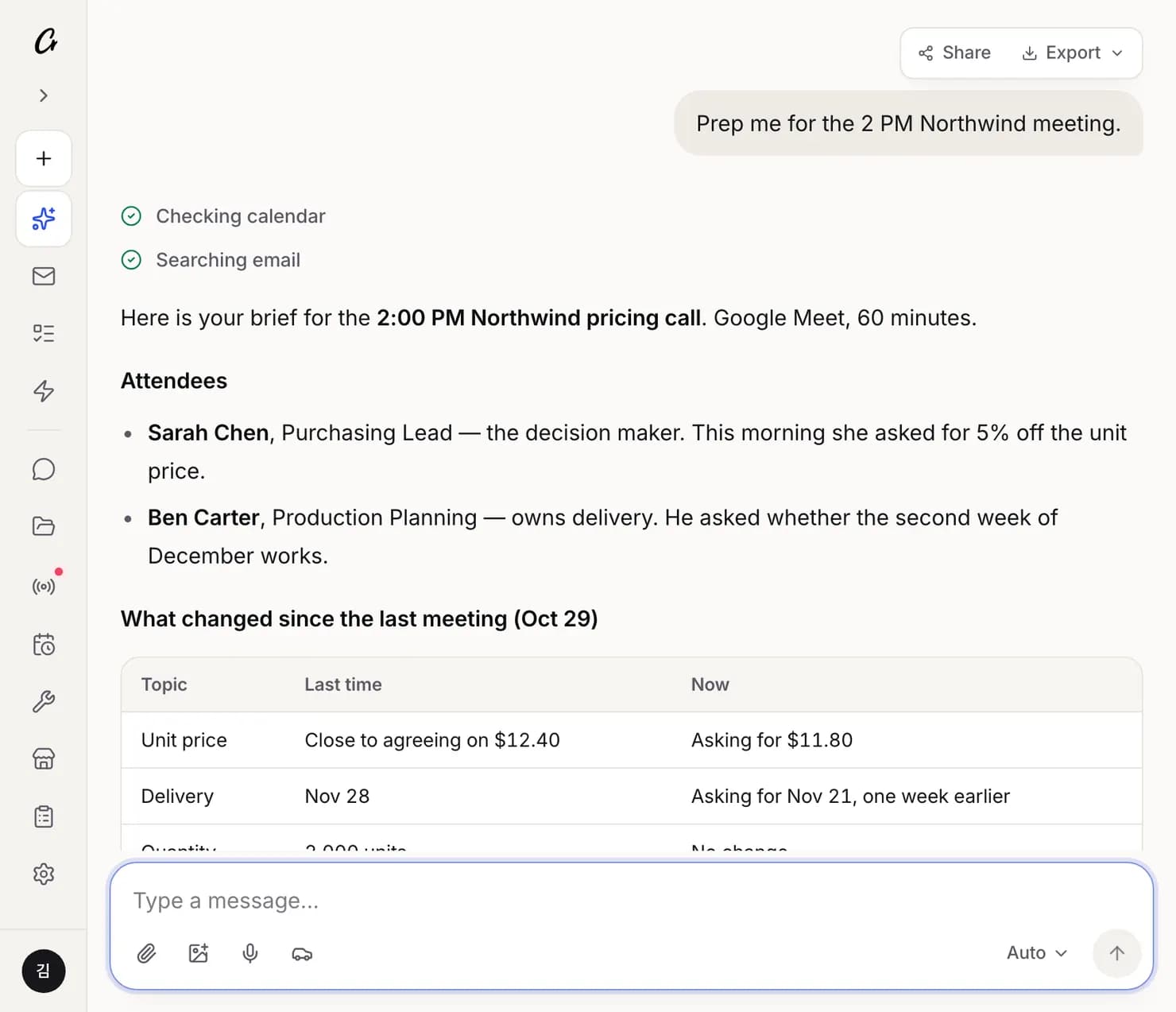
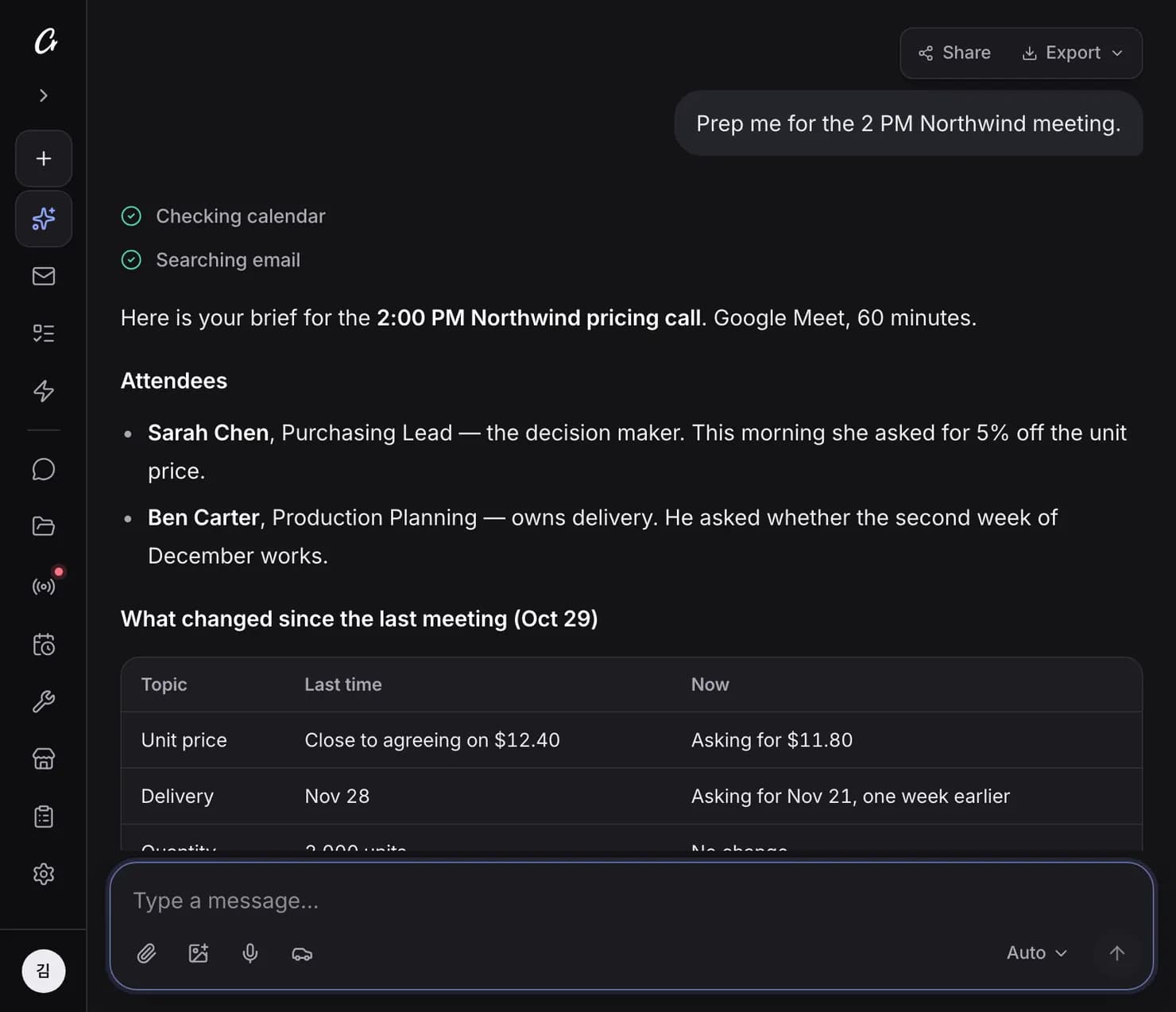
On the morning of a meeting, Crew prepares a brief: attendees, the other company, the emails you've exchanged and what to raise. Right before the meeting it reminds you of the time, place and link.
You get
2:00 PM Northwind pricing call — two points have changed since the last meeting.
- Attendees and past email threads in one place
- Looks up the other company for external meetings
- Or just ask: “prep me for the 2 PM”
Email replies and triage
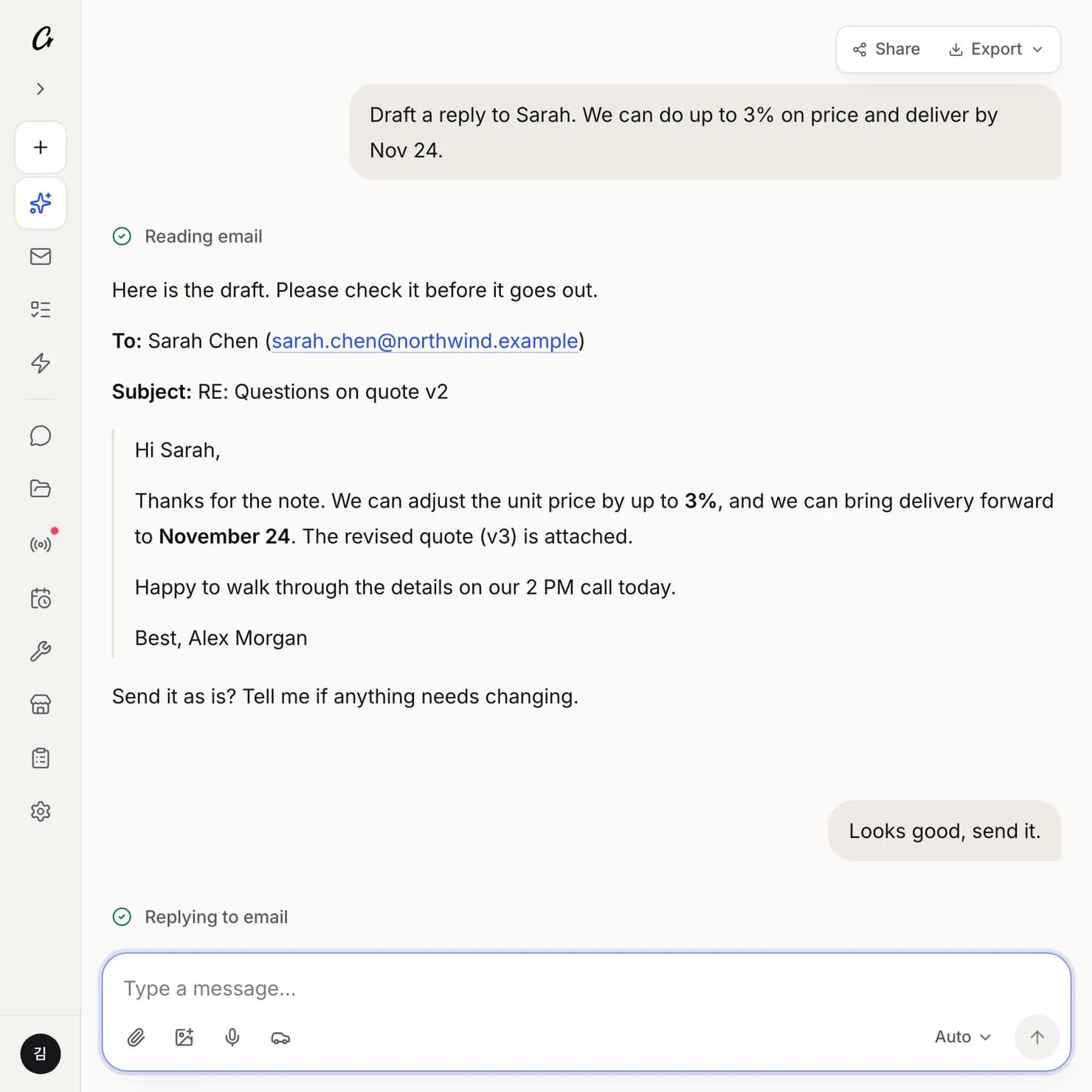
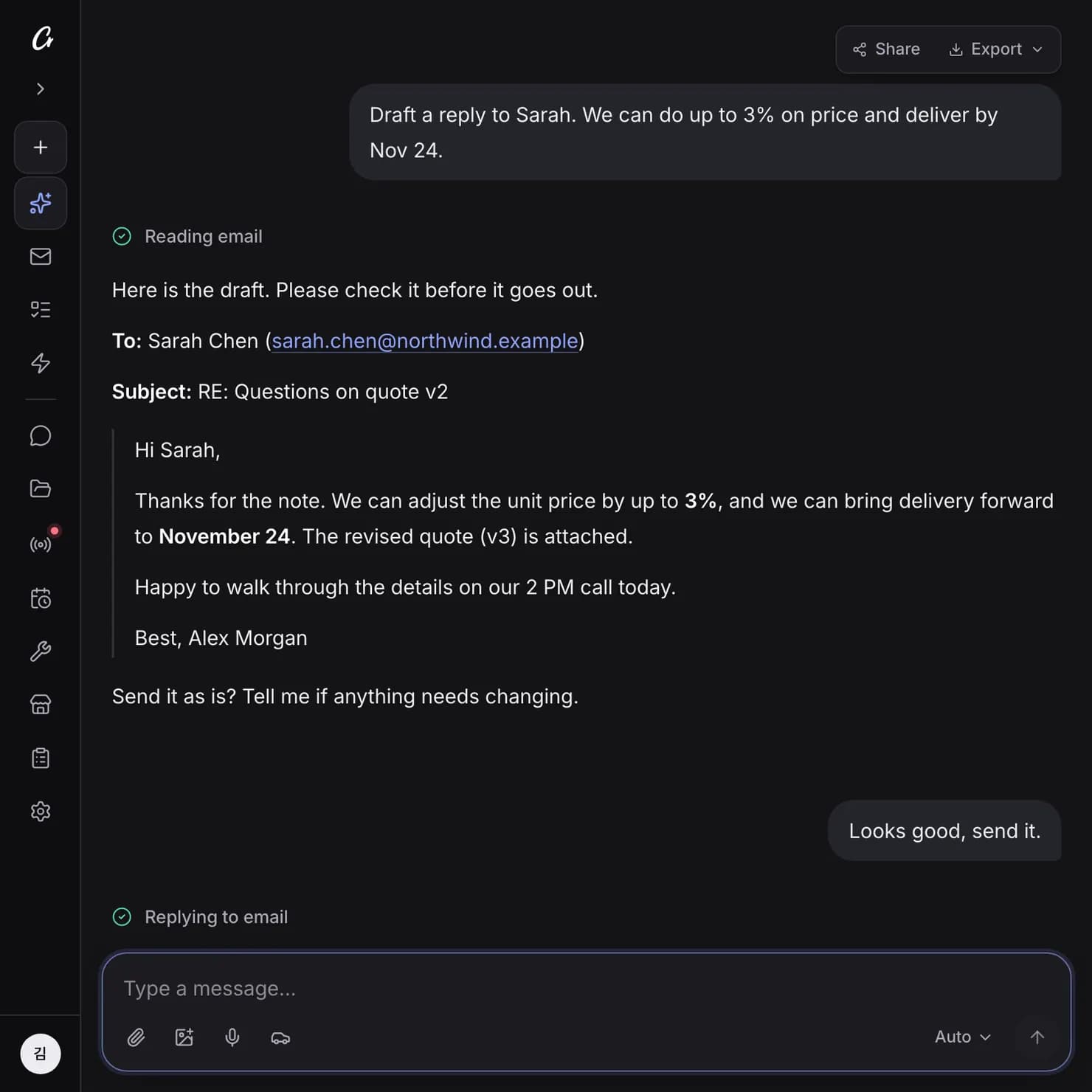
Crew reads the thread and drafts a reply in your voice. It shows you the recipient, subject and text, and only sends when you say so. Emails from the people who matter most are flagged first.
You say
Draft a reply to Sarah. We can do up to 3% on price.
- Works with Gmail and Outlook
- Send, reply and forward always wait for your OK
- Ask “which emails need a reply today?” to triage
Scheduling
Crew finds free time in your calendar and creates, moves or deletes events. Say “next Friday” and it confirms the exact date and weekday before booking.
You say
Set up an hour with Northwind next week
- Google Calendar and Microsoft 365 Calendar
- Flags clashes before they happen
- Events that invite other people wait for your OK
Set up an hour with Northwind next week
Open times next week
- Tuesday 2:00 – 3:00 PM
- Wednesday 10:30 – 11:30 AM
- Thursday 4:00 – 5:00 PM
Shall I book Tuesday? I'll invite Sarah Chen and Ben Carter.
Example screen
Documents and reports
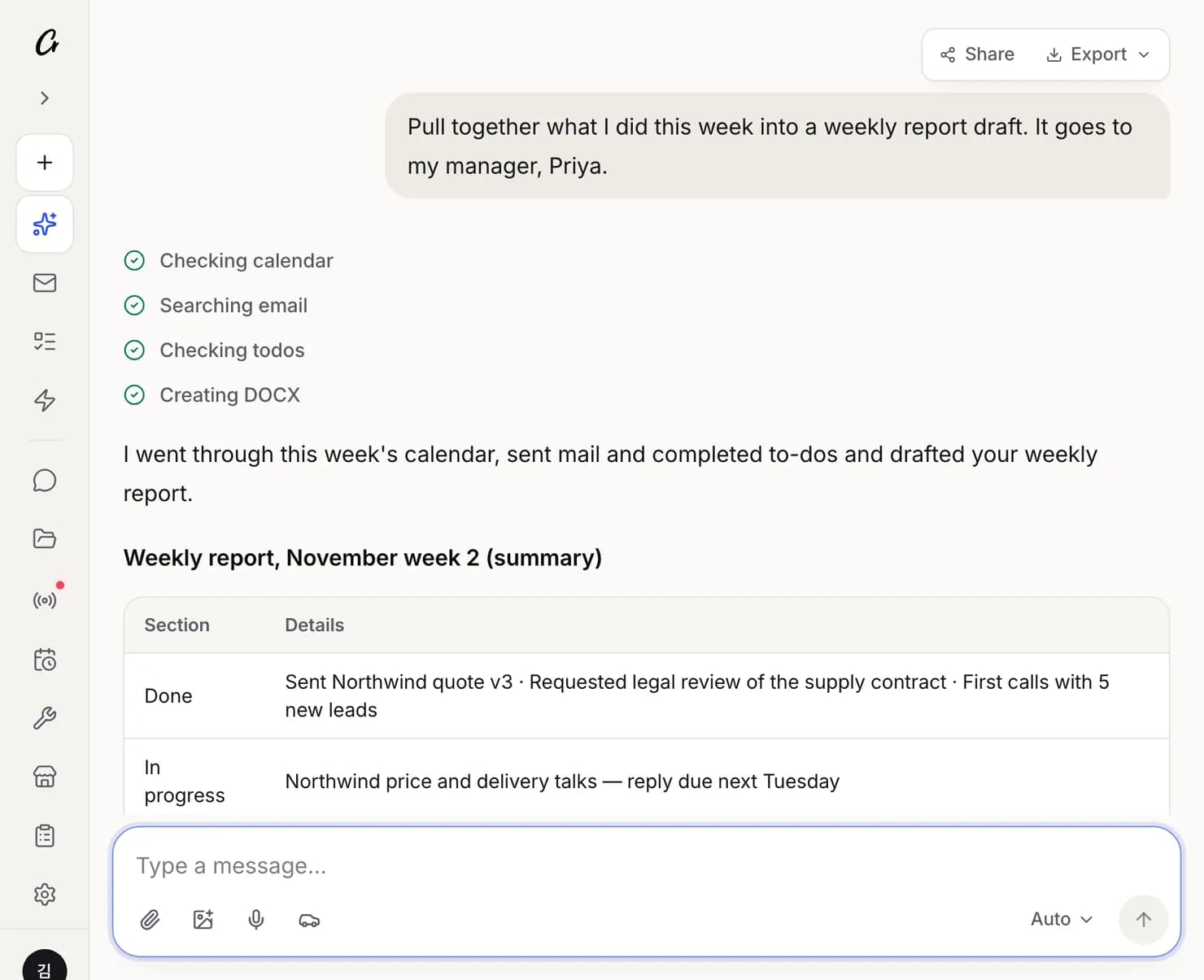
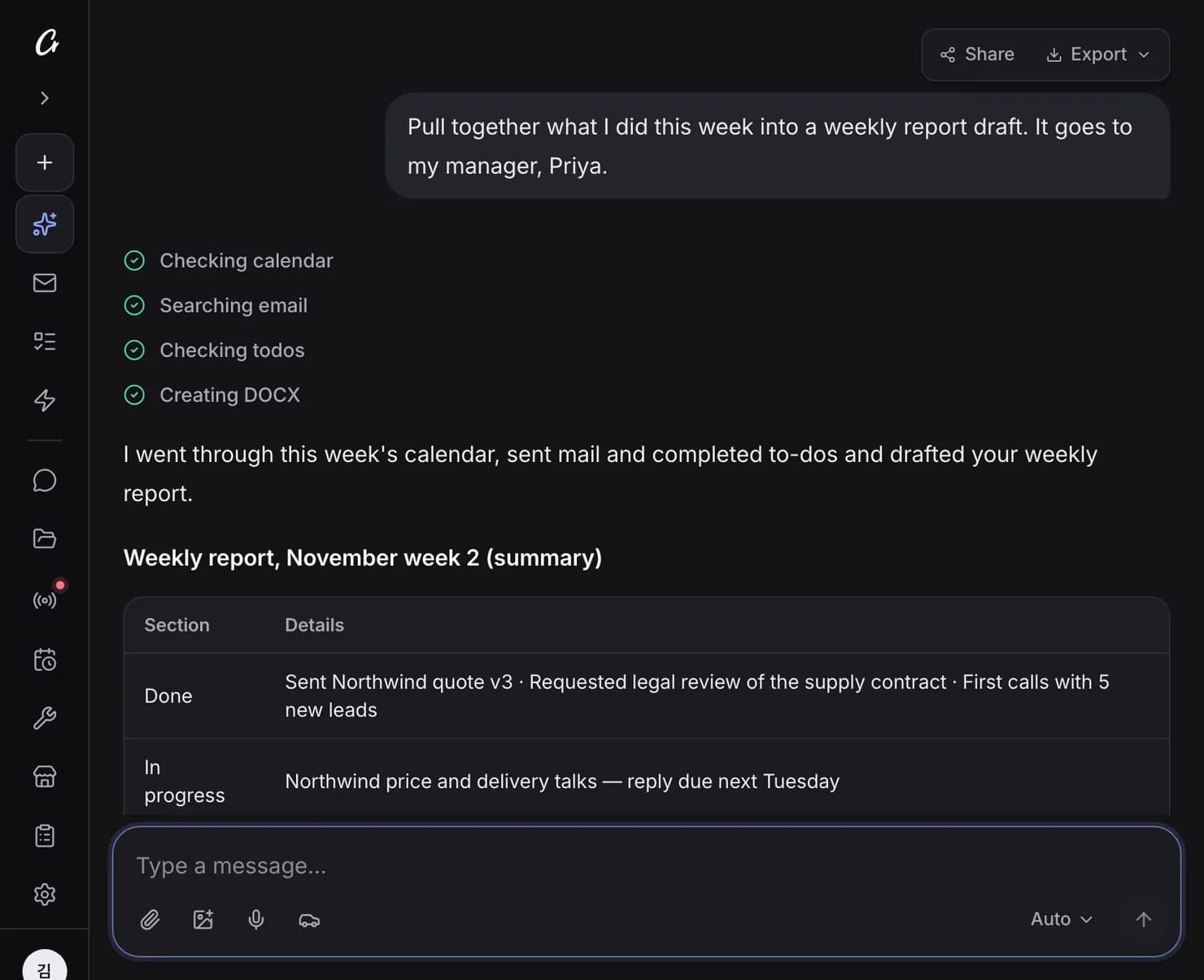
Crew researches on the web, draws on your mail and files and writes the document. Reports as DOCX, decks as PPTX, tables as XLSX, or PDF.
You say
Pull together what I did this week into a weekly report draft
- Files are saved to My Files
- Reads PDFs and spreadsheets you upload, then summarizes or analyzes
- Can translate documents too
Promises and to-dos
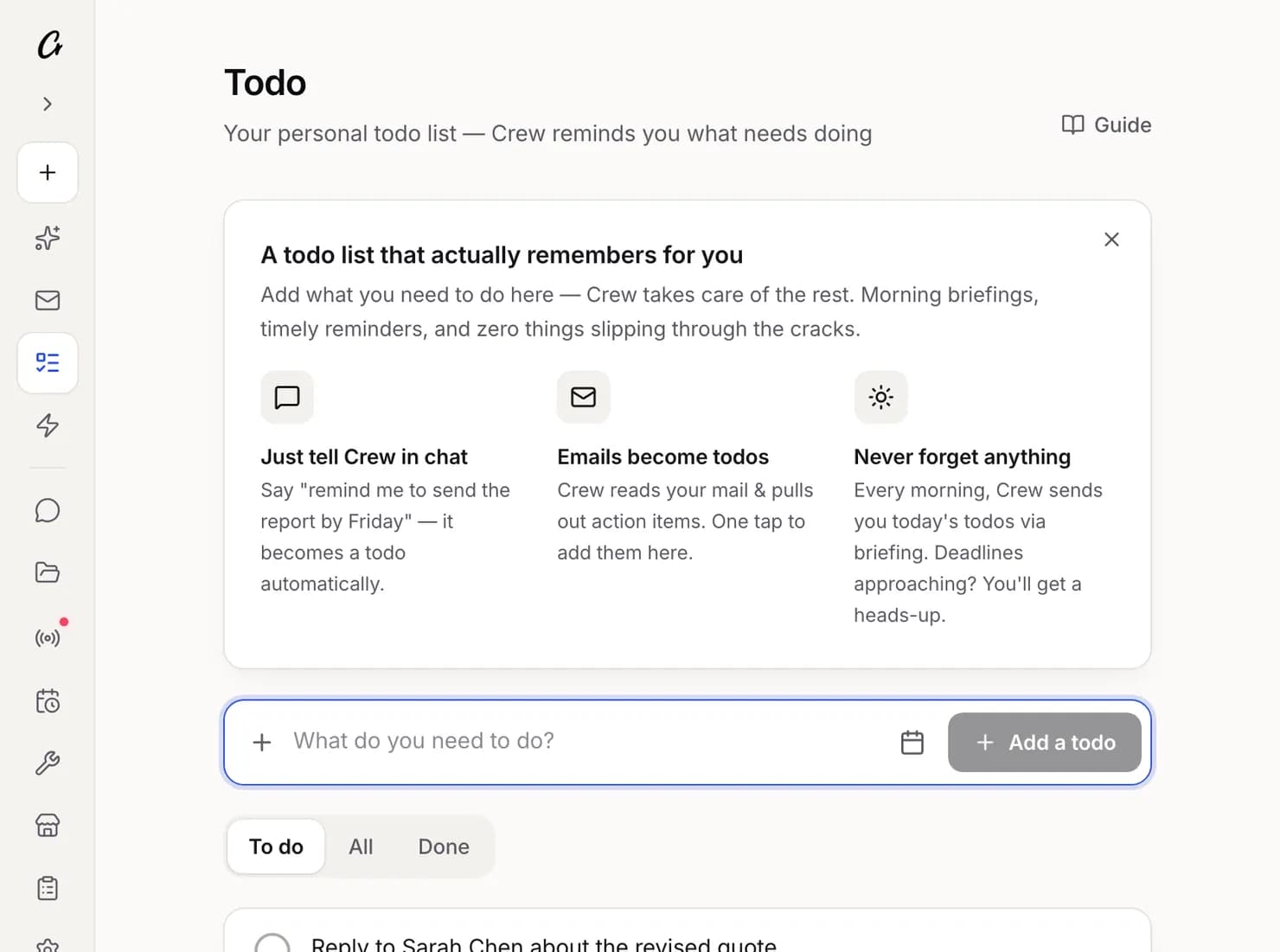
Crew finds what you promised and what others promised you in mail and chats, and reminds you as deadlines approach. It keeps a to-do list and clears what's done.
You get
“I'll send the contract draft by Wednesday” — that's due tomorrow.
- Promises are reviewed once every evening
- Or say “add this to my to-dos”
- Mark things done right on the Today card
Use it in your messenger
Talk to Crew in Slack, Teams, WhatsApp, Telegram, LINE, KakaoTalk or Discord. Ask for the same things you would on the web, and get briefings and alerts there.
You say
What's on my calendar tomorrow morning?
- Connect one messenger or more, depending on your plan
- Proactive alerts to KakaoTalk are on paid plans
- Send and receive files in the chat
Crew
7:30 AM
☀️ Morning Briefing Three meetings today, busiest at 2 PM. This morning Sarah Chen at Northwind asked for a revised quote. Today 10:00 Product weekly 2:00 PM Sarah Chen, Northwind — you promised a revised quote 4:30 PM New-hire onboarding 1:1 New mail Sarah Chen asked for a price change (arrived 8:12 AM) — needs an answer before 2 PM
Example screen


CrewAPP1:30 PM
📋 Meeting Briefing
2:00 PM Northwind pricing call
- • Attendees: Sarah Chen (Purchasing), Ben Carter (Production Planning)
- • Changed since last time: asking for $11.80 per unit and delivery one week earlier
- • To decide today: how far to move on price, whether earlier delivery is possible
Example screen
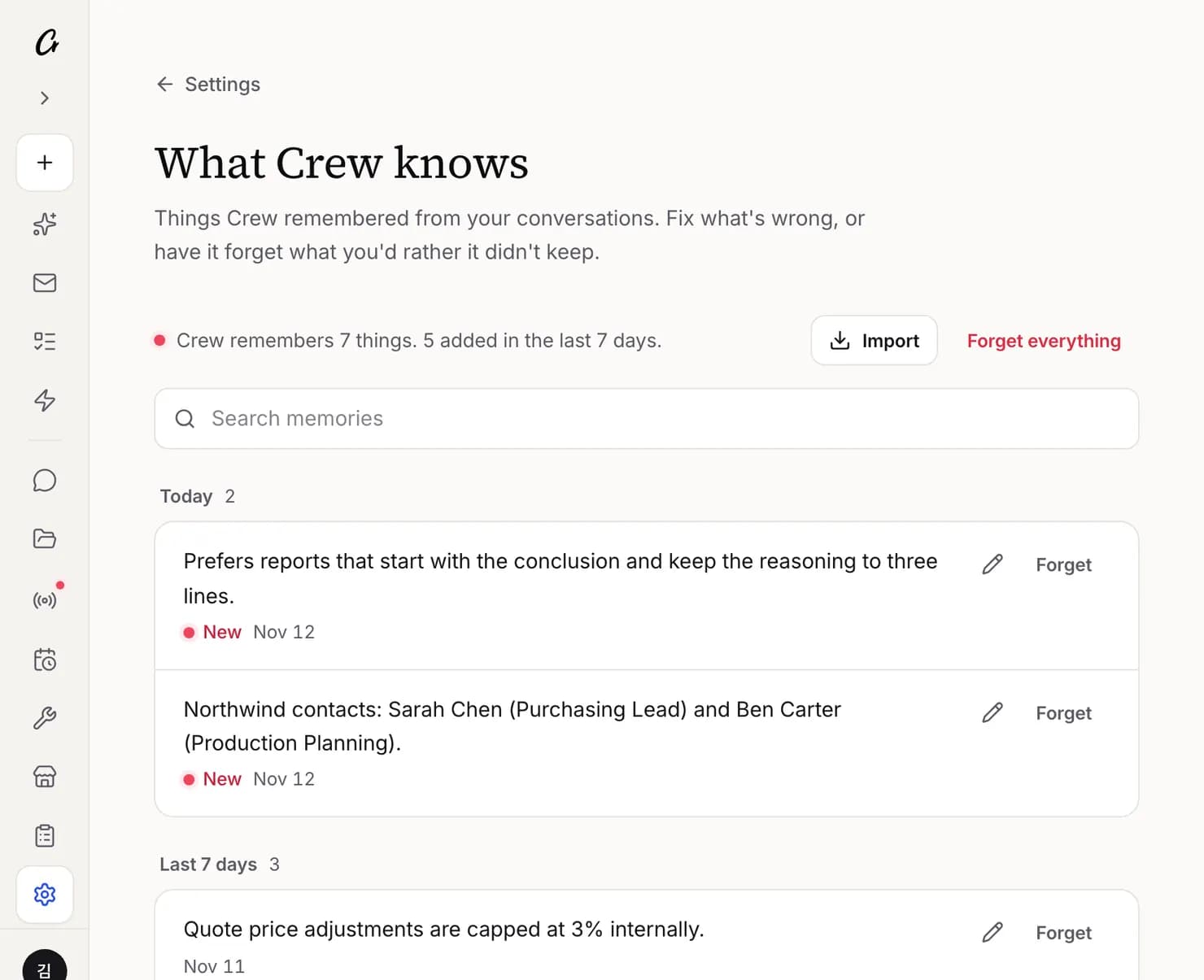
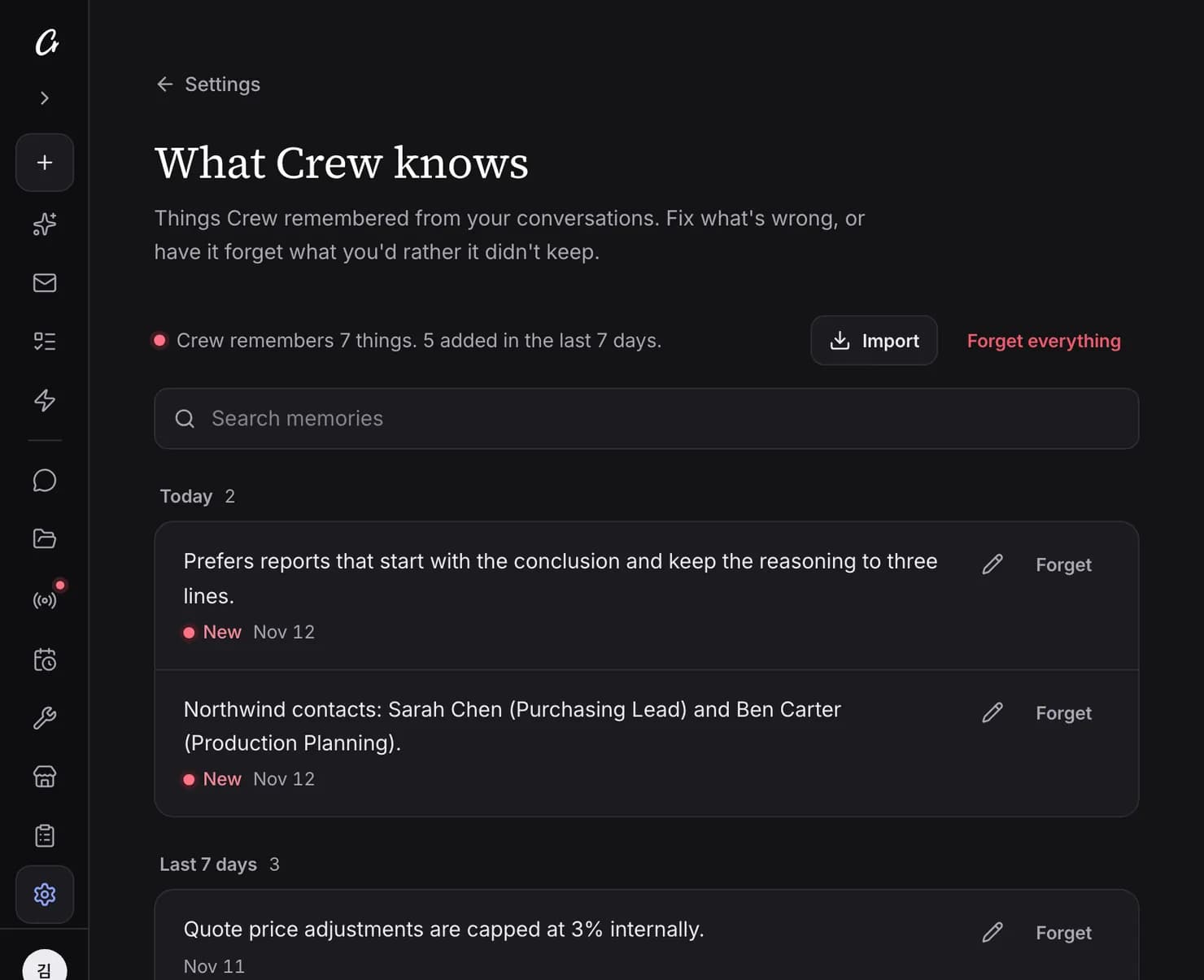
What Crew knows
As you talk, Crew remembers your preferences, the people you deal with and how you work. See all of it on one screen, fix what's wrong and have it forget what you don't want kept.
You say
Remember that quote price changes are capped at 3%
- Memory is used in answers and briefings
- Edit or forget any single line
- Import memories from another AI
Scheduled tasks and Upcoming
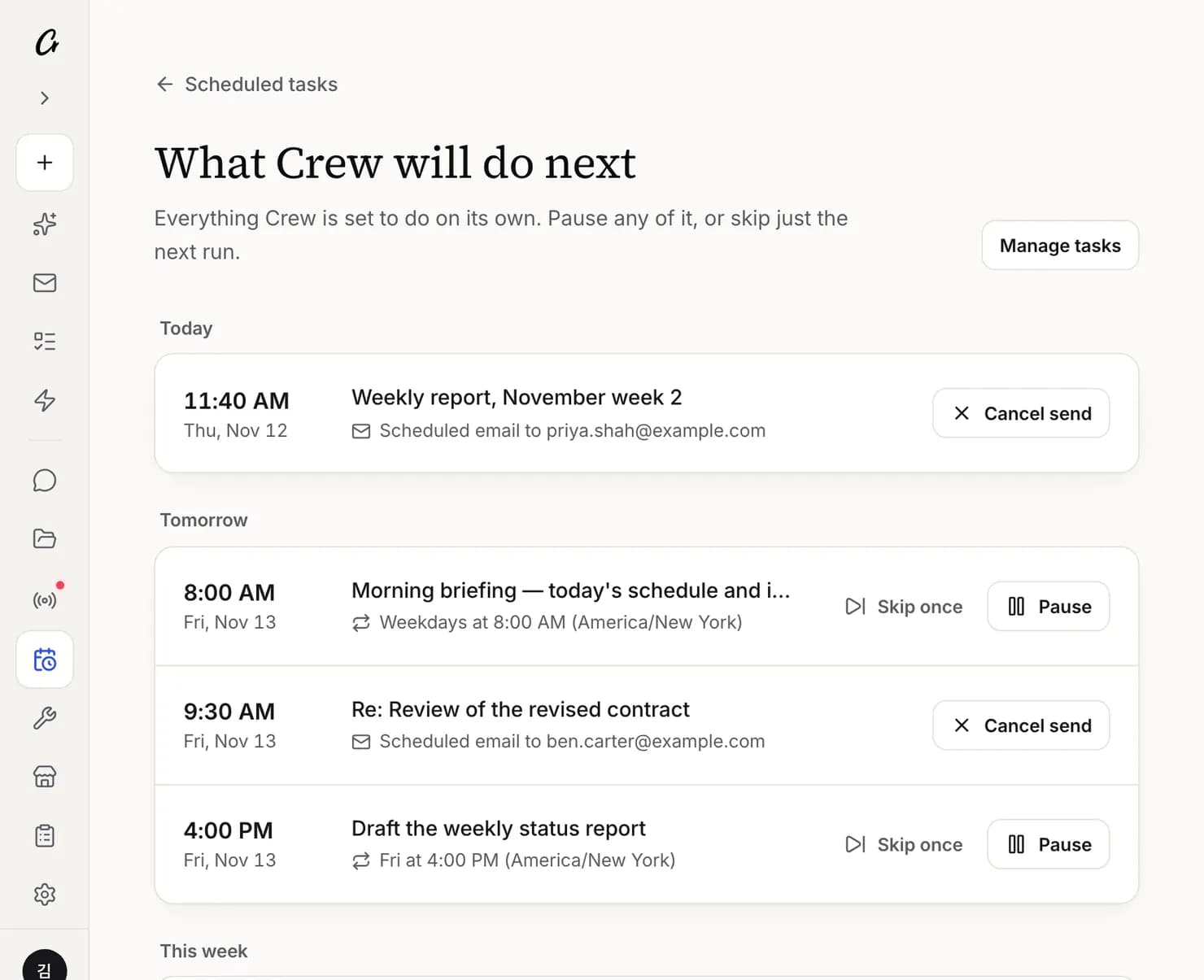
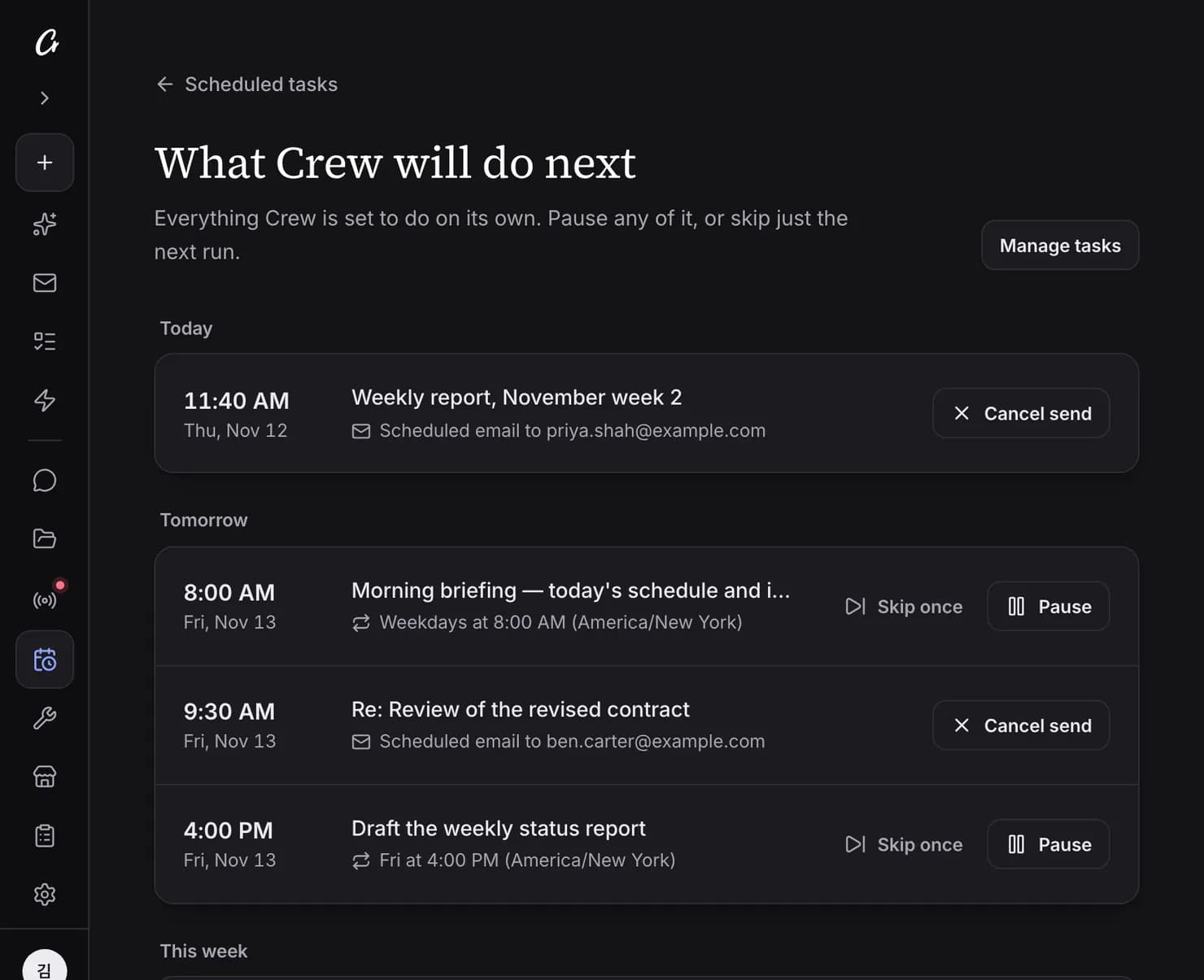
Tell Crew once about a daily or weekly routine and it runs at the time you set. Upcoming shows what Crew will do next; pause anything or skip it once.
You say
Every Friday at 4 PM, draft my weekly report
- Scheduled tasks are available on paid plans
- Scheduled emails can be cancelled from Upcoming
- Results arrive in chat, your messenger or email
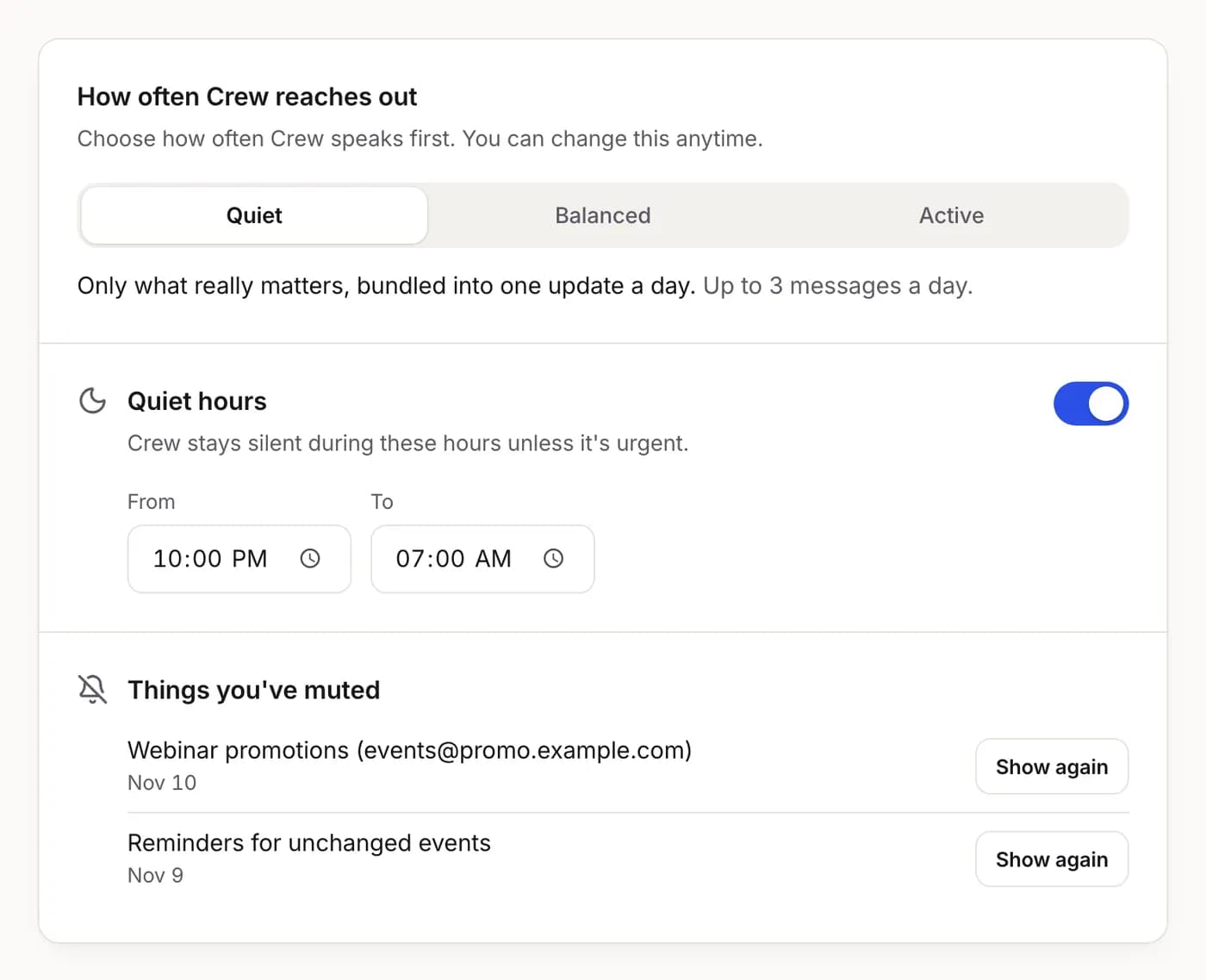
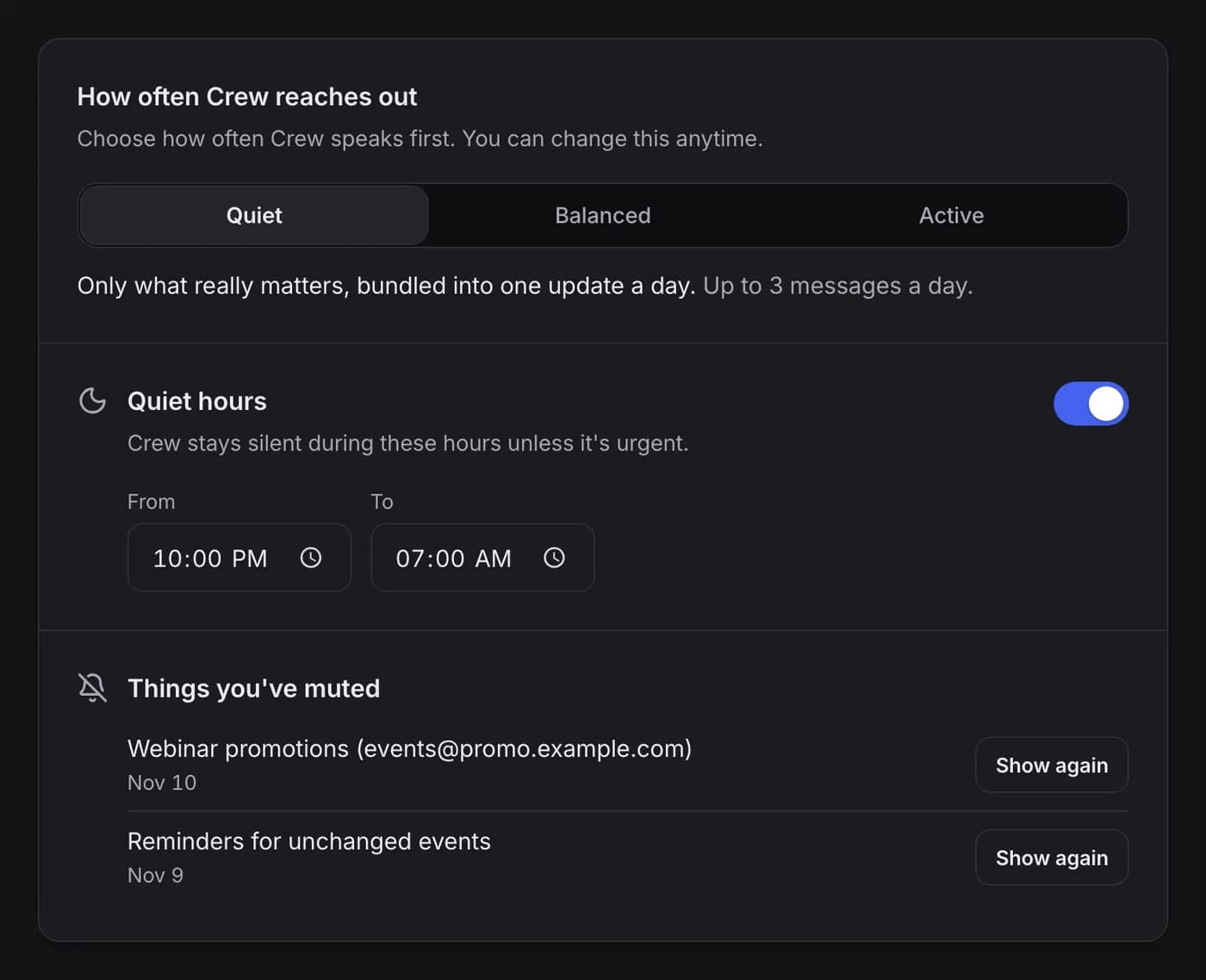
How often Crew reaches out
Choose Quiet, Balanced or Active for how often Crew speaks first. Set quiet hours, and mute any kind of alert with “Stop showing these”.
- Nothing is repeated unless it changed
- Everything you muted is listed and can be undone
- During quiet hours only urgent things get through