Productivity Tools & Methods — October 4, 2026
Users are consolidating sprawling productivity stacks into single apps like Obsidian, which now integrates AI and replaces Notion, Figma, and task managers. Notion's developer tools received performance upgrades for AI integrations, while fresh productivity research confirms time blocking increases task completion by 30%.
Productivity Tools & Methods — October 4, 2026
Tool Updates
Notion Developers Raise API Limits for AI Integration
Notion has upgraded its Model Context Protocol (MCP) capabilities, increasing search and query limits to support more complex AI workflows. The update now allows 20 search calls and 20 data source query calls per connection every 10 seconds—a key improvement for developers building AI-powered automations on top of Notion.
Method
Time Blocking: The 30% Productivity Edge
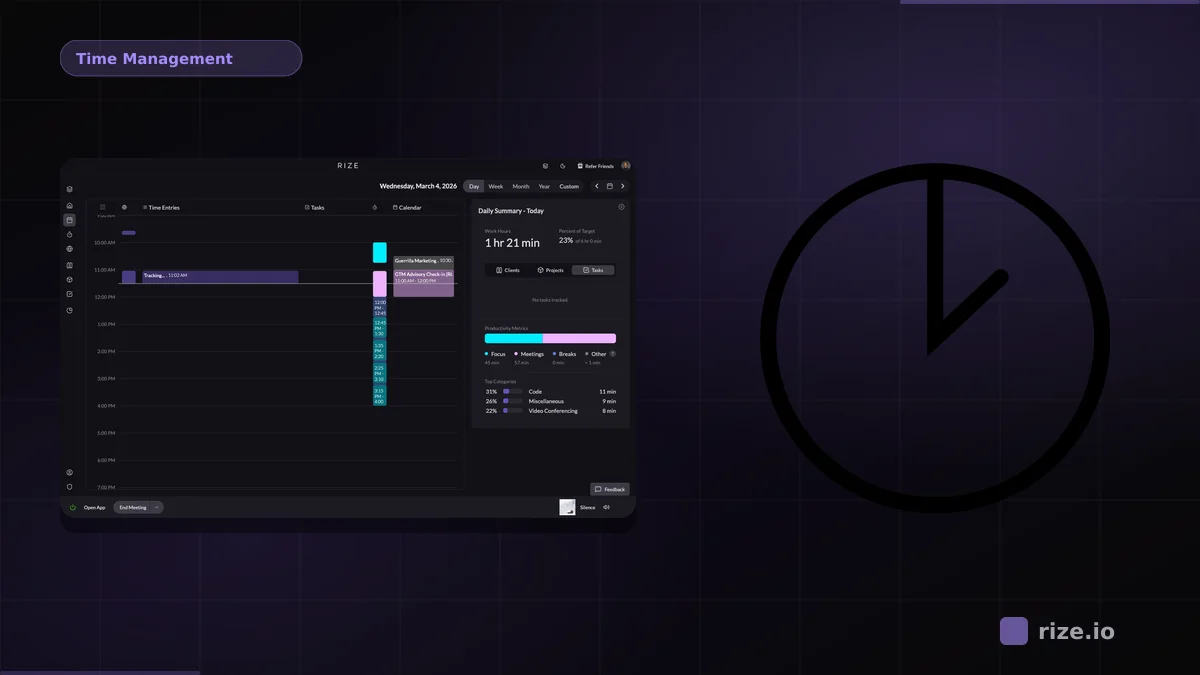
Research from the Journal of Consumer Research reveals that people using time blocking—assigning specific time slots to defined tasks—complete 30% more work than those relying on unstructured to-do lists.
Time blocking works by creating dedicated windows for focused work, eliminating the friction of constant task-switching. Unlike vague daily plans, time blocking treats your calendar as immovable commitments to specific work. This method pairs well with modern tools: Notion users can build time-blocked databases; Obsidian users can create daily notes with time-stamped task sections.
Weekly Hack
Consolidate Your Stack into Obsidian for Friction-Free Workflow
Users report successfully replacing Notion, Google Tasks, and design tools with a single Obsidian vault. The key: use Obsidian's robust plugin ecosystem (dataview queries, kanban boards, calendar views) to replicate specialized app features without tab-switching. For task management, add the Tasks plugin. For project views, use kanban or dataview tables. This reduces context-switching overhead and keeps all work in one searchable, local-first system.

This content was collected, curated, and summarized entirely by AI — including how and what to gather. It may contain inaccuracies. Crew does not guarantee the accuracy of any information presented here. Always verify facts on your own before acting on them. Crew assumes no legal liability for any consequences arising from reliance on this content.
Powered by